
Wacom Cintiq is a creative pen display that helps you bring your ideas to life on screen. Vibrant color, HD clarity and ergonomic design combined with the super-responsive Pro Pen 2 to take your work to the next level.
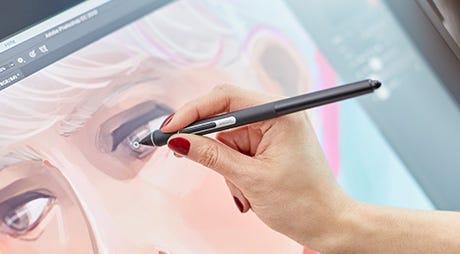
Premium pen technology

Adjustable design
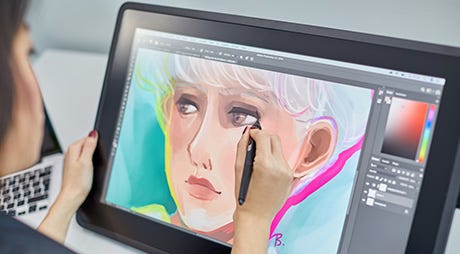
Glare reduction
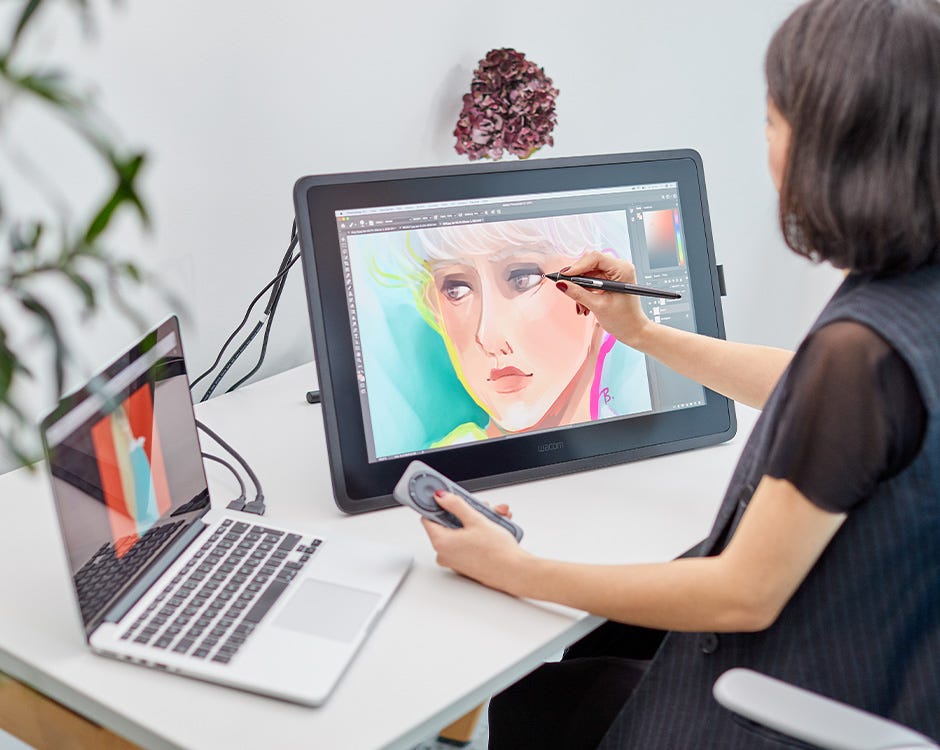
Features
- Exceptional creative pen technology with 8,192 levels of pressure sensitivity and tilt-recognition.
- EMR (Electro Magnetic Resonance) tech draws power from your Wacom Cintiq, meaning you never need to charge the pen.
- Designed for comfort, with rubber grip and accessible side buttons.
- Use the pen’s programmable side buttons to make shortcuts to your favorite software.
- Anti–glare film cuts out distracting reflections.
- See your cursor appear exactly where you would expect with reduced parallax.
- Durable, scratch resistant materials perfect for daily use.
- Hand rests to help cut down on fatigue when drawing.
- The Adjustable Stand (16-82 degrees) let you adjust the position so you can work in comfort.
- Full HD display lets you see your work in crystal clear detail.

Wacom Pro Pen 2 – Natural and precise
| Our state-of-the-art creative pen, Wacom Pro Pen 2 is included with Wacom Cintiq. Featuring 8,192 levels of pressure sensitivity and unparalleled tilt recognition every stroke and move of your hand is followed with unerring accuracy. |

Virtually no lag

No parallax

Natural tilt recognition

No batteries or recharging
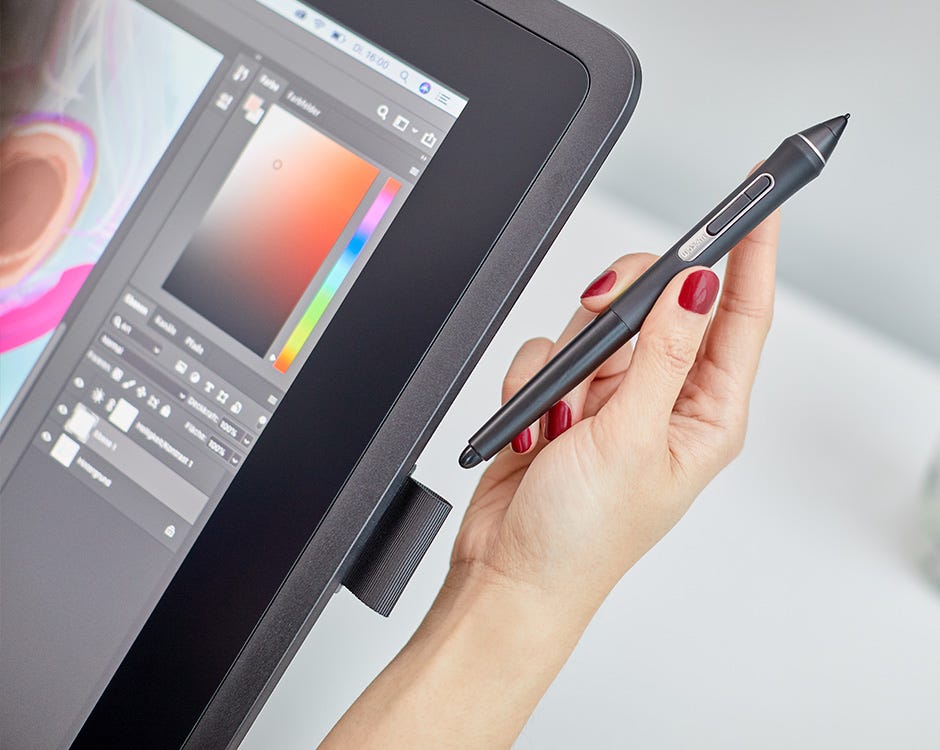
What’s included
- Wacom Cintiq 22 Pen display
- Wacom Pro Pen 2
- Adjustable Stand (16-82 degrees)
- HDMI to HDMI cable (2M)
- USB2.0 (2M)
- Power cable (1.8M)
- AC adaptor (60W)
- Power cable (1.8m)
- Quick Start Guide
- Warranty card
- Regulation sheet
Who the Cintiq 22 Is Built For
The Cintiq 22 is the right device for creative professionals who need a large, reliable drawing surface at their primary workstation. The 21.5-inch Full HD IPS screen gives illustrators, designers, animators, and concept artists a canvas large enough to see a full composition at working scale without zooming — which changes the pace and quality of creative decisions. Graphic designers at agencies across the Middle East use it as their main production display for campaign artwork, brand identity, and packaging. Animation studios equip multiple workstations with it for its consistent pen performance and durability across long daily drawing sessions. Architects and interior designers sketch and annotate directly over imported drawings. If digital drawing is a significant part of your working day and you need a fixed professional workstation tool, the Cintiq 22 is where that investment starts.
What Changed from the Cintiq 22HD
The Cintiq 22 replaces the long-running 22HD with three meaningful upgrades. The pen is the biggest one — the Pro Pen 2 at 8,192 levels of pressure sensitivity replaces the older 2,048-level stylus, delivering finer stroke graduation, more natural brush tapering, and better tilt recognition for artists who vary line weight through angle. Connectivity moves from the older DVI-I port to HDMI and USB, which means clean, adapter-free connection to any modern laptop or desktop. The physical design is slimmer and lighter with a cleaner bezel. What stayed the same: the 21.5-inch screen size, the Full HD resolution, and the non-laminated display. One notable trade-off — the 22HD’s 16 built-in ExpressKeys are gone. The Cintiq 22 has none. Artists who rely on physical shortcut keys either shift to keyboard shortcuts or add the optional Wacom ExpressKey Remote accessory.
Cintiq 22 vs Cintiq Pro 16 — Canvas vs Precision
These are the two most-compared devices for professional buyers deciding between screen size and display technology. The Cintiq 22 gives you a larger 21.5-inch drawing canvas at 1080p, ideal for seeing full compositions at working scale. The Cintiq Pro 16 gives you a 4K laminated display at 15.6 inches — the lamination means no gap between the glass and the panel, so the pen registers with no parallax offset. Both use the Pro Pen 2 at 8,192 pressure levels. For artists committed to a fixed workstation who value canvas space, the Cintiq 22 is the stronger choice. For those who prioritise display precision, work across multiple locations, or have limited desk space, the Pro 16 makes more sense. Neither replaces the other.
The Cintiq 22 Across Industries in the Middle East
Design agencies equip creative teams with the Cintiq 22 as a standard production workstation, replacing older pen tablets where the screen disconnect slowed illustration and layout work. Architecture and interior design firms use it for digital concept sketching and client-facing visualisation presentations where a large screen shows full layouts at scale. Media production companies rely on it for storyboarding, motion graphics, and pre-production work. Educational institutions teaching digital arts and design specify it for lab environments where hardware consistency across student workstations matters. Freelancers building professional practices use it as the workstation centrepiece that elevates the standard of their output.
No. Unlike the Cintiq 22HD which had 16 built-in ExpressKeys, the Cintiq 22 has none. Wacom designed it for symmetry — it works equally for left and right-handed users. Artists who want physical shortcuts can add the Wacom ExpressKey Remote, a wireless accessory with 17 programmable buttons and a touch ring that pairs with any Cintiq.
DTK2260K0A is the SKU for the standard Cintiq 22 configuration — the 21.5-inch pen display with the Pro Pen 2 stylus. If you are searching for drivers or comparing with other regional listings, this is the same device as the Cintiq 22 (DTK-2260).
Yes. It connects via HDMI for video and USB for pen data, but requires a separate AC adapter for power. A power outlet at the workstation is required in addition to the computer connections.
Yes. For 2D illustration, frame-by-frame animation, and motion graphics work in software like Adobe Animate, Toon Boom Harmony, or Clip Studio Paint, the Cintiq 22’s combination of large canvas and Pro Pen 2 response is well-suited. The Full HD display is sufficient for production work at this level.
Yes. The Cintiq 22 is VESA compatible, allowing standard desk arm or wall bracket mounting. This is practical in studio setups where freeing desk surface and being able to reposition the screen during a session improves the working environment.