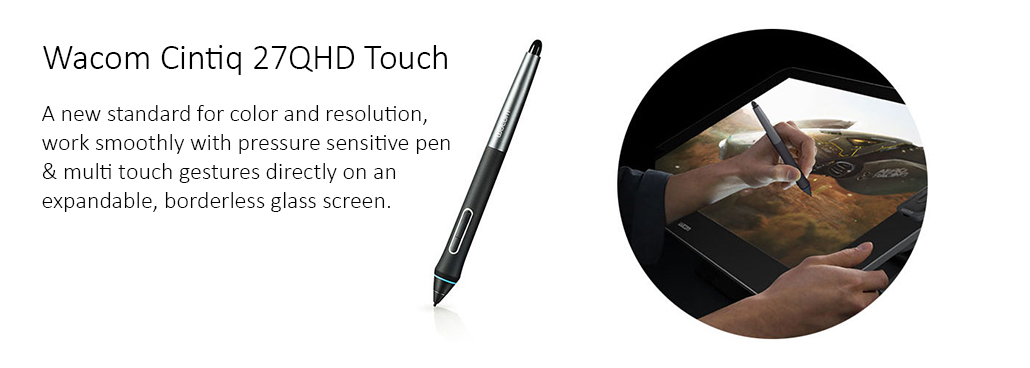
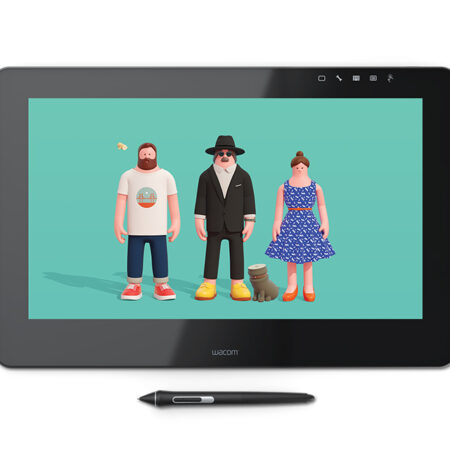
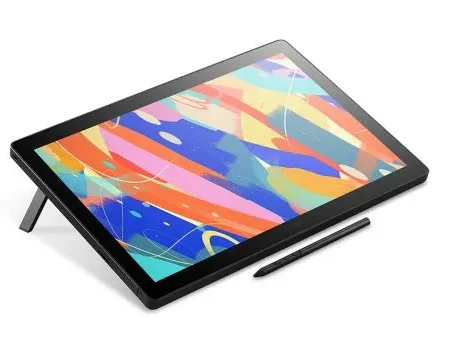
The Wacom Cintiq 27QHD Touch is a 27-inch QHD pen display with 10-finger multi-touch on an edge-to-edge glass surface. It covers 97% Adobe RGB across a 596.7 x 335.6 mm drawing area, with a pressure-sensitive Wacom pen and the ExpressKey Remote.
Model Code: DTH-2700
Display Size: 27 in
Display Resolution: 2560 x 1440 pixels (QHD)
Display Technology: IPS
Active Area: 596.7 x 335.6 mm (23.5 x 13.2 in)
Colour Gamut: 97% Adobe RGB
Displayable Colours: 1.07 billion (10-bit)
Brightness: 330 cd/m2
Response Time: 12 ms
Surface: Edge-to-edge glass
Multi-Touch: Yes, 10-finger
Pen: Wacom pen, cordless and battery-free
Pen Tilt: ± 60 degrees
Connectivity: DisplayPort and HDMI
Product Dimensions: 770 x 465 x 54.5 mm (30.3 x 18.3 x 2.1 in)
Product Weight: 9 kg (19.8 lbs)
Supplied Remote: Wacom ExpressKey Remote, 135 x 52 x 10 mm
The Cintiq 27QHD Touch was Wacom’s large-format professional display before the Cintiq Pro line, and the reason it is still specified is the panel: 27 inches at QHD with 97% Adobe RGB coverage and 1.07 billion colours at 10-bit, on an edge-to-edge glass surface with no bezel interrupting the canvas.
The drawing area is 596.7 x 335.6 mm, effectively the same working surface as today’s 27-inch Cintiq Pro. The pen is pressure-sensitive with 60 degrees of tilt, and 10-finger multi-touch works directly on the glass for pan, zoom and rotate without reaching for a keyboard.
The supplied ExpressKey Remote is the part people remember. Rather than fixing shortcut keys to one edge of the display, it is a separate handheld unit with 17 customisable keys and a Touch Ring, which can sit wherever the free hand naturally rests.
Why Specify This Display
A 596.7 x 335.6 mm active area, a full large-format canvas for illustration and review.
97% Adobe RGB and 1.07 billion colours at 10-bit for colour-accurate work.
Edge-to-edge glass with no bezel intruding on the drawing surface.
10-finger multi-touch alongside pen input, for pan, zoom and rotate.
ExpressKey Remote supplied, with 17 customisable keys and a Touch Ring.
DisplayPort and HDMI inputs for connection to a Windows or Mac workstation.
Touch or Pen Only
The 27QHD came in two versions. This one, the DTH-2700, adds 10-finger multi-touch to the glass. The pen-only DTK-2700 uses the same panel and pen without touch, and is the cheaper option where gestures are not part of the workflow.
Where It Sits in the Range
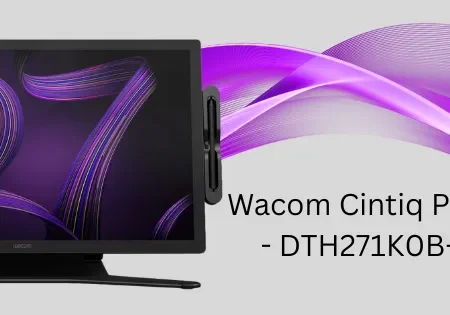
This is a previous-generation display. The current large-format equivalent is the Cintiq Pro 27 (DTH271), which moves to 4K at 3840 x 2160, DCI-P3 98% coverage and Wacom Pro Pen 3. The 27QHD remains a capable colour-accurate canvas; the Pro 27 is the current specification.
How We Supply It
eTOP Trading LLC is an Authorized Wacom Solution Provider based in Dubai. Tell us the workstation it will connect to and whether multi-touch matters to your workflow, and we will confirm what we can supply and quote the current Cintiq Pro 27 alongside it for comparison.
Frequently Asked Questions
What is the Wacom Cintiq 27QHD Touch?
It is a 27-inch QHD professional pen display, model DTH-2700, with a 596.7 x 335.6 mm active area, 97% Adobe RGB coverage and 10-finger multi-touch on edge-to-edge glass.
What resolution is the Cintiq 27QHD?
2560 x 1440 pixels, which is QHD. The current Cintiq Pro 27 moves to 4K at 3840 x 2160.
What is the difference between the DTH-2700 and the DTK-2700?
The DTH-2700 adds 10-finger multi-touch. The DTK-2700 uses the same panel and pen without touch input.
Does it come with shortcut keys?
Yes, but not on the display itself. It is supplied with the Wacom ExpressKey Remote, a separate handheld unit with 17 customisable keys and a Touch Ring.
Does it need a computer?
Yes. It is a pen display and connects to a Windows or Mac workstation over DisplayPort or HDMI.
Need this configured for your workflow?
Tell us what you sign, how often, and which system it lives in. We will specify the hardware, software and integration — with UAE pricing.