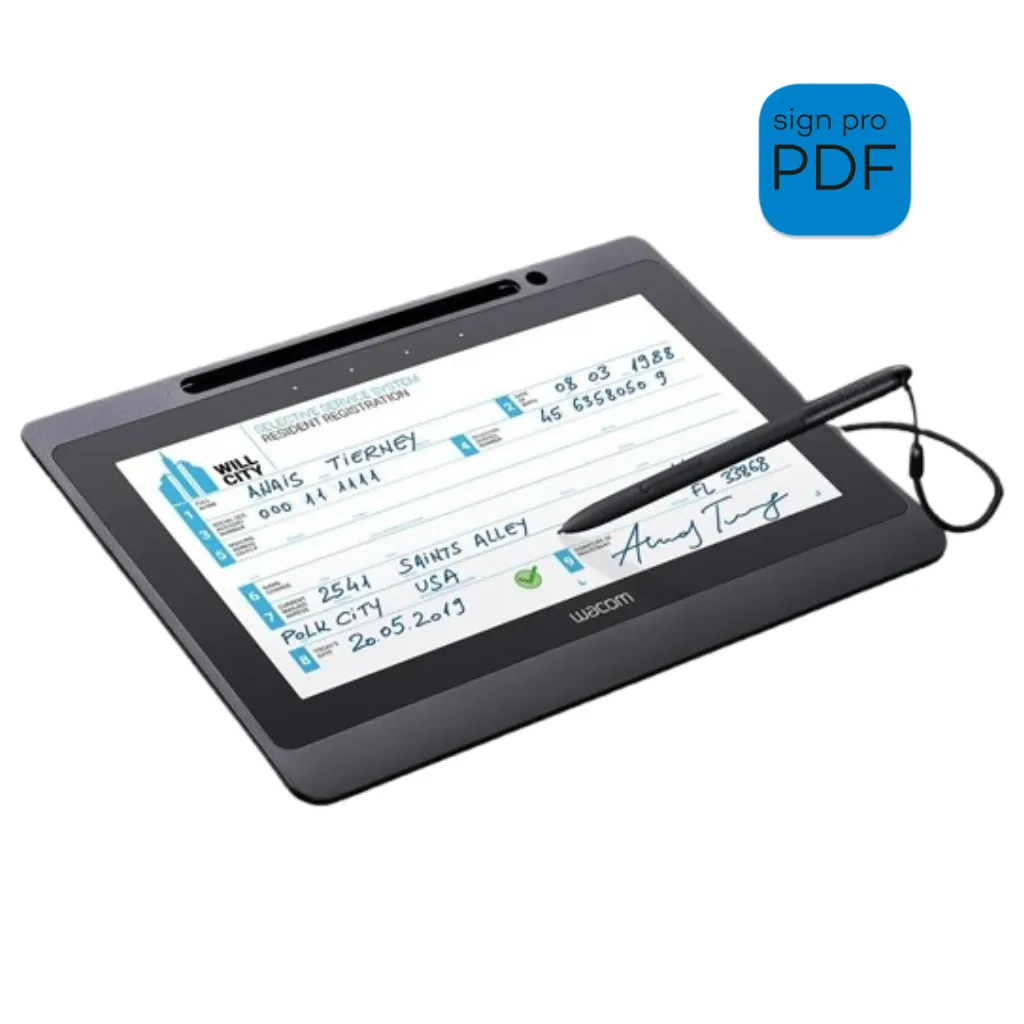
Wacom DTU-1141B-CH2 Signature Display Set
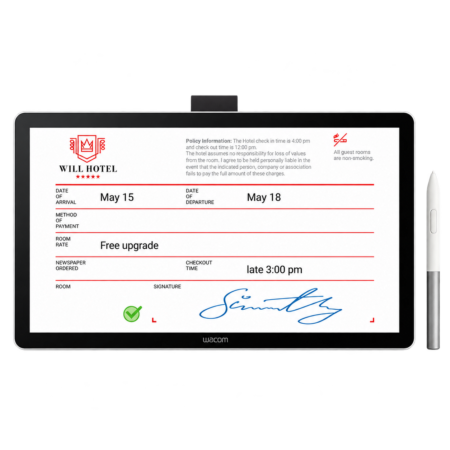
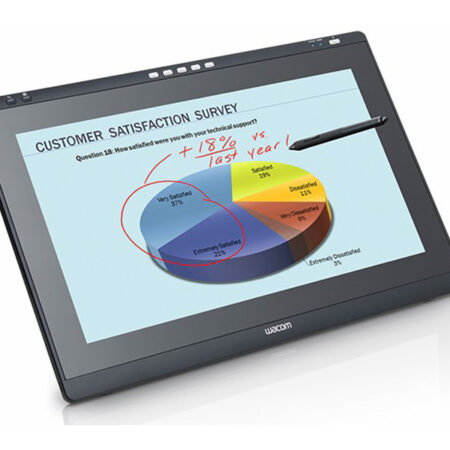
The Wacom DTU-1141B-CH2 gives signers an 10.1″ Full HD view of exactly what they are signing, bundled with a full sign pro PDF licence and an adjustable stand. When a signature pad is simply too small for the document, this set combines precision pen input with the visual clarity that high-value transactions demand.
- Bundle: DTU-1141B pen display plus sign pro PDF licence
- Display Type: 10.1-inch Full HD AHVA
- Pen: Cordless, battery-free EMR pen
- Connection: Single USB cable carrying power, data and display
- Stand: Adjustable multi-angle stand included
- Software: sign pro PDF full licence (Windows)
- 3-year standard warranty
Streamline your workflow and transition to a seamless, paperless environment with the Wacom DTU-1141B-CH2 Signature Display Set. It is built for enterprise counters across the Middle East handling detailed contracts, account opening and other documents that a customer genuinely needs to read before signing.
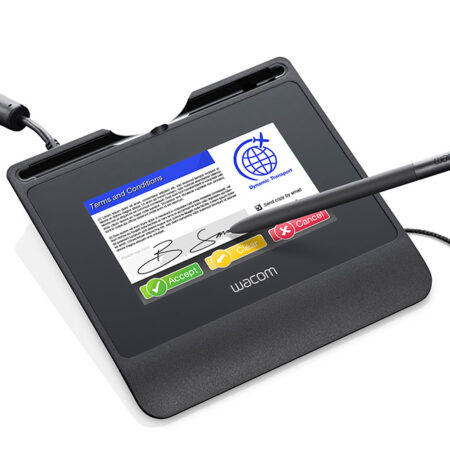
Standard signature pads ask a signer to write in a small box while reading from a separate monitor — a disconnect that creates hesitation and errors on detailed contracts. The DTU-1141B removes that disconnect: the signer reads and signs on the same Full HD screen.
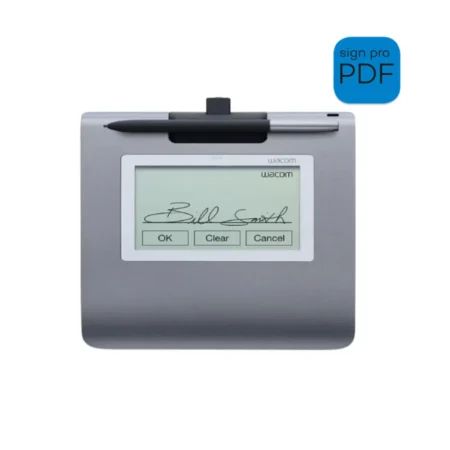
A single USB cable carries power, data and display, and the multi-angle stand lets staff set a comfortable reading and signing position. The application software of the Signature Set is sign pro PDF. The software allows electronic registration of handwritten signatures and their integration into PDF documents. The software not only records the signature image that is displayed on the tablet or screen, but also the non-visible biometric data such as pressure, travel and speed. Subsequently, the document and the signature can not be modified and are protected securely. Then, the document can be saved, printed or sent.
What’s included with Wacom DTU-1141B-CH2
The Wacom DTU-1141B-CH2 package includes everything needed to connect the device to a compatible computer and start setting up your digital signature workflow.
- Wacom DTU-1141B 10.1″ Full HD Interactive Pen Display (black)
- cordless, battery-free EMR pen (battery-free)
- Single USB cable (power, data and display)
- Adjustable multi-angle stand
- Wacom sign pro PDF full software licence (Windows)
- Quick Start Guide
Read, Annotate and Sign Full Documents
- With an 10.1-inch Full HD AHVA screen, the signer reads the actual document at a legible size, scrolls through it and signs in place — no printing, no separate monitor, no guesswork about what is being agreed.
- The cordless, battery-free EMR pen delivers precise input with no charging routine, and the single-cable connection keeps the counter tidy.
Built for Secure Electronic Signatures
- sign pro PDF is included as a full licence, capturing the handwritten signature together with the non-visible biometric data and binding both to the PDF so the document cannot be altered afterwards.
- Choose this set where the document must be read in full before signing. For straightforward signature capture at a counter, an STU-series pad is smaller and more cost-effective.
Frequently Asked Questions
What is included in the DTU-1141B-CH2 signature set?
The DTU-1141B 10.1-inch Full HD interactive pen display, a cordless, battery-free EMR pen, a single USB cable carrying power, data and display, an adjustable multi-angle stand, a full sign pro PDF licence for Windows and a quick start guide.
Why buy the set rather than the display alone?
The set includes the sign pro PDF licence and the stand. Buying the display alone leaves you to source signing software separately, which means another purchase or a development project before your first signed document.
What problem does this solve that a signature pad does not?
Standard pads ask a signer to write in a small box while reading from a separate monitor. That disconnect causes hesitation and errors on detailed contracts. Here the signer reads and signs on the same Full HD screen.
Do we need any development work?
No. sign pro PDF is included as a full licence and works as installed software. Development only becomes relevant if you later want signing triggered automatically from another system, which the sign pro PDF API handles.
How many cables does it need?
One. A single USB cable carries power, data and the display signal, which keeps a customer-facing counter tidy and makes installation across many branches straightforward.
Are signatures from this set legally valid in the UAE?
Electronic signatures are legally recognised under UAE Federal Decree-Law No. 46 of 2021. Signatures created through a TDRA-licensed qualified trust service provider carry the same legal effect as a handwritten signature; other electronic signatures are admissible as evidence and their weight depends on the process used.
Who typically uses this set?
Enterprise counters across the Middle East handling account opening, detailed contracts and consent forms — anywhere the customer genuinely needs to read the document before signing it.
How much does the DTU-1141B-CH2 set cost in the UAE?
Ask us for a current quote. Pricing depends on quantity, whether a sign pro PDF licence is bundled and any integration work, and we price hardware, software and development as one figure with UAE delivery and local support.
Need this configured for your workflow?
Tell us what you sign, how often, and which system it lives in. We will specify the hardware, software and integration — with UAE pricing.