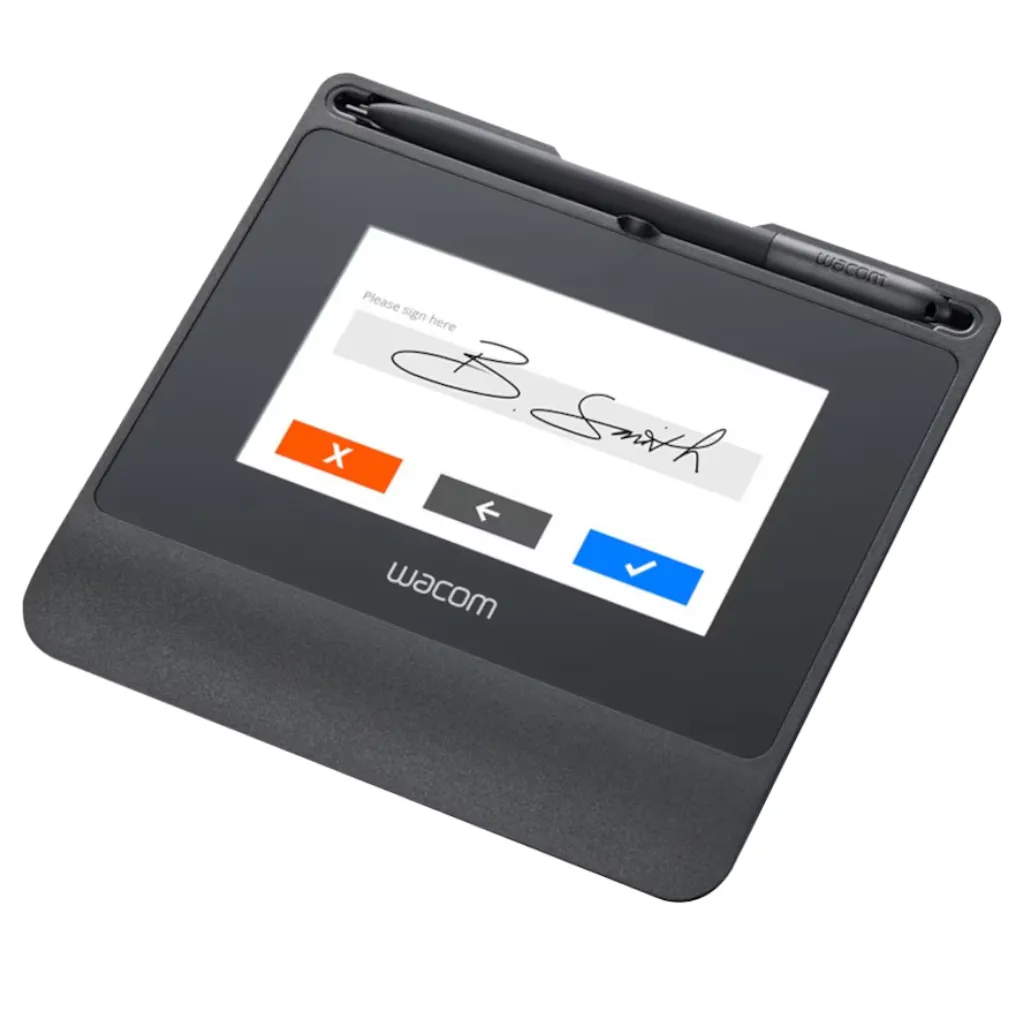
Wacom STU-541 Color LCD Signature Pad
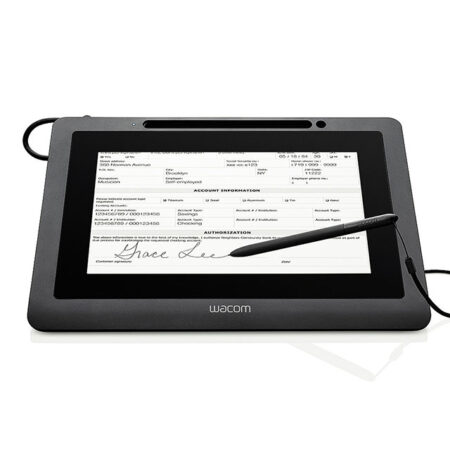
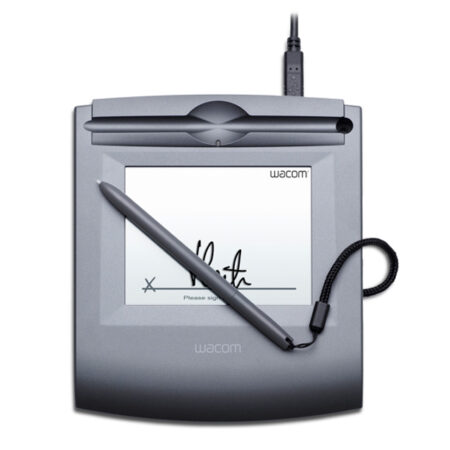
The Wacom STU-541 is a 5″ colour signature pad built for high-stakes signing at enterprise counters. It captures the full biometric profile of a handwritten signature — pressure, stroke velocity, pen-lift rhythm and coordinate path — and secures each transaction with TLS encryption tied to a factory-assigned unique hardware ID.
- Display Type: 5-inch colour LCD
- Display Resolution: 800 x 480 pixels
- Reading Technology: Electromagnetic Resonance (EMR)
- Pen Pressure Levels: 1024
- Encryption: TLS between device and PC
- Device identity: Factory-assigned unique hardware ID
- Communication interface: USB
- 1 Year Warranty
Streamline your workflow and transition to a seamless, paperless environment with the Wacom STU-541 Signature Pad. It is used by banks, insurance companies, government authorities and legal practices across Dubai, Abu Dhabi and the wider GCC where the provenance of each signature has to be demonstrable.
The STU-541 shares the display and pen performance of the STU-540; the difference lies in security and connectivity. Where the STU-540 supports Virtual COM Port mode for certain virtualised environments, the STU-541 focuses on TLS-encrypted communication between the pad and the host.
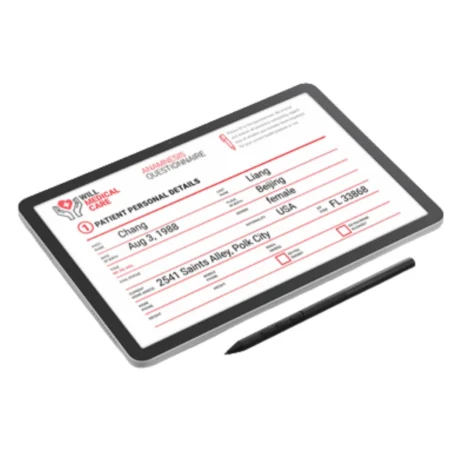
A unique hardware ID links every signature back to the exact physical unit that captured it, which matters in disputes and audits. The application software of the Signature Set is sign pro PDF. The software allows electronic registration of handwritten signatures and their integration into PDF documents. The software not only records the signature image that is displayed on the tablet or screen, but also the non-visible biometric data such as pressure, travel and speed. Subsequently, the document and the signature can not be modified and are protected securely. Then, the document can be saved, printed or sent.
What’s included with Wacom STU-541
The Wacom STU-541 package includes everything needed to connect the device to a compatible computer and start setting up your digital signature workflow.
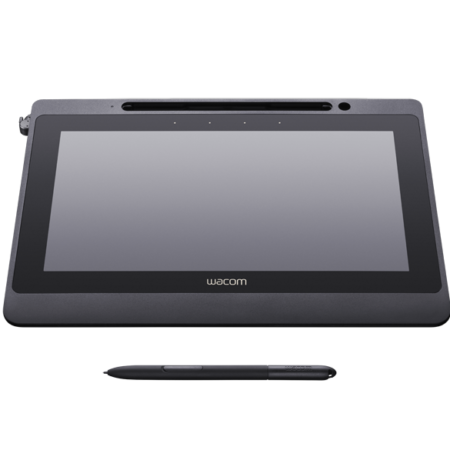
- Wacom STU-541 Colour Signature Pad
- Cordless and battery-free digital pen
- USB cable
- Quick Start Guide
Secure Digital Signature Capture for Business
- The STU-541 captures pressure dynamics, stroke velocity, pen-lift rhythm and coordinate path, producing a signature record that supports later verification rather than a flat image.
- Its 5-inch colour display gives room for long signatures, on-screen soft buttons and the terms being agreed, keeping the signer informed at the moment of signing.
Built for Secure Electronic Signatures
- TLS encryption protects the link between the pad and the PC, keeping captured signature data secure in transit at the hardware level.
- Choose the STU-541 where security policy drives the specification. If you need Virtual COM Port support for a Citrix or VDI rollout, the STU-540 is the better fit and we can advise on which suits your environment.
Frequently Asked Questions
What is the Wacom STU-541 used for?
High-stakes document signing at enterprise counters. It captures the full biometric profile of a handwritten signature — pressure dynamics, stroke velocity, pen-lift rhythm and coordinate path — and secures each transaction with TLS encryption tied to a factory-assigned unique hardware ID.
What is the difference between the STU-541 and the STU-540?
The 5-inch colour display and pen performance are identical. They differ in security and connectivity: the STU-541 uses TLS encryption between pad and PC, while the STU-540 supports Virtual COM Port mode for Citrix and VDI. Pick the STU-541 when security policy leads, the STU-540 when virtualised infrastructure leads.
Why does a unique hardware ID matter?
It links every signature back to the exact physical unit that captured it. In a dispute or an audit that lets you demonstrate not just that a signature was captured, but which device and therefore which counter or branch it came from.
Who typically deploys the STU-541?
Banks, insurance companies, government authorities and legal practices across Dubai, Abu Dhabi and the wider GCC — organisations where the provenance of a signature has to be demonstrable rather than merely plausible.
Does the STU-541 work with Citrix or VDI?
Virtual COM Port support is an STU-540 feature. If your deployment runs on Citrix or VMware Horizon published desktops, the STU-540 is the correct specification. We will say so rather than sell you the newer number.
Are signatures captured on the STU-541 legally valid in the UAE?
Yes. Electronic signatures are recognised under the UAE Electronic Transactions and Trust Services Law (Federal Decree-Law No. 46 of 2021). The pad supports compliance by capturing the biometric characteristics of the signature — the evidence used to verify a signer if a signature is ever challenged.
Which SDK do developers use for the STU-541?
The Wacom Ink SDK for signature, previously published as the STU SDK. It returns the signature with its biometric data to your application rather than a flat image, and Wacom publishes documentation and sample code on GitHub so your team can evaluate the integration first. If you would rather not build anything, sign pro PDF does the job with no development.
How much does the Wacom STU-541 cost in the UAE?
Pricing depends on quantity, whether you need a sign pro PDF licence bundled, and any integration work. Request a quote and we will price hardware, software and development as one figure, with UAE delivery and local support included.
Need this configured for your workflow?
Tell us what you sign, how often, and which system it lives in. We will specify the hardware, software and integration — with UAE pricing.