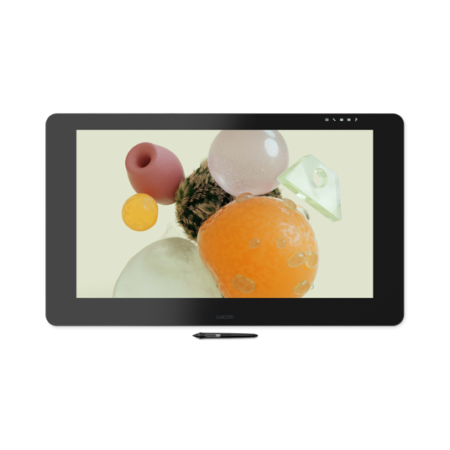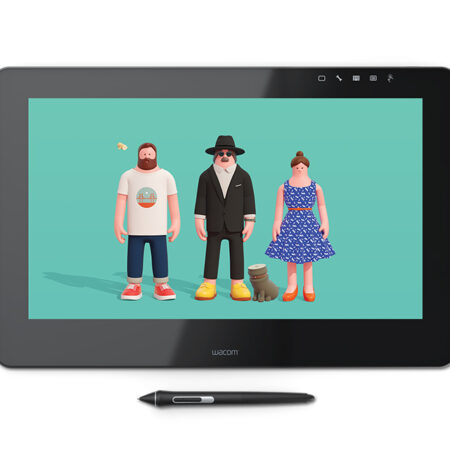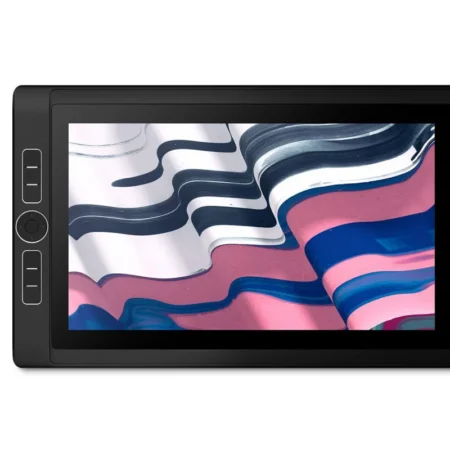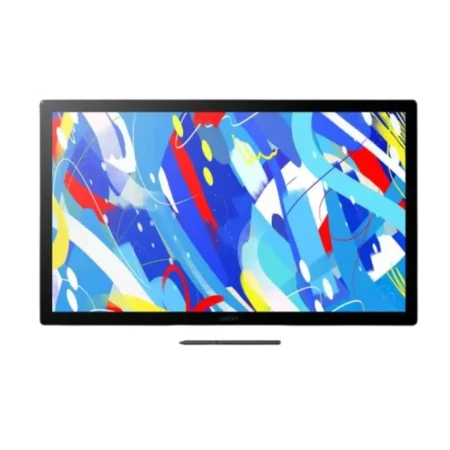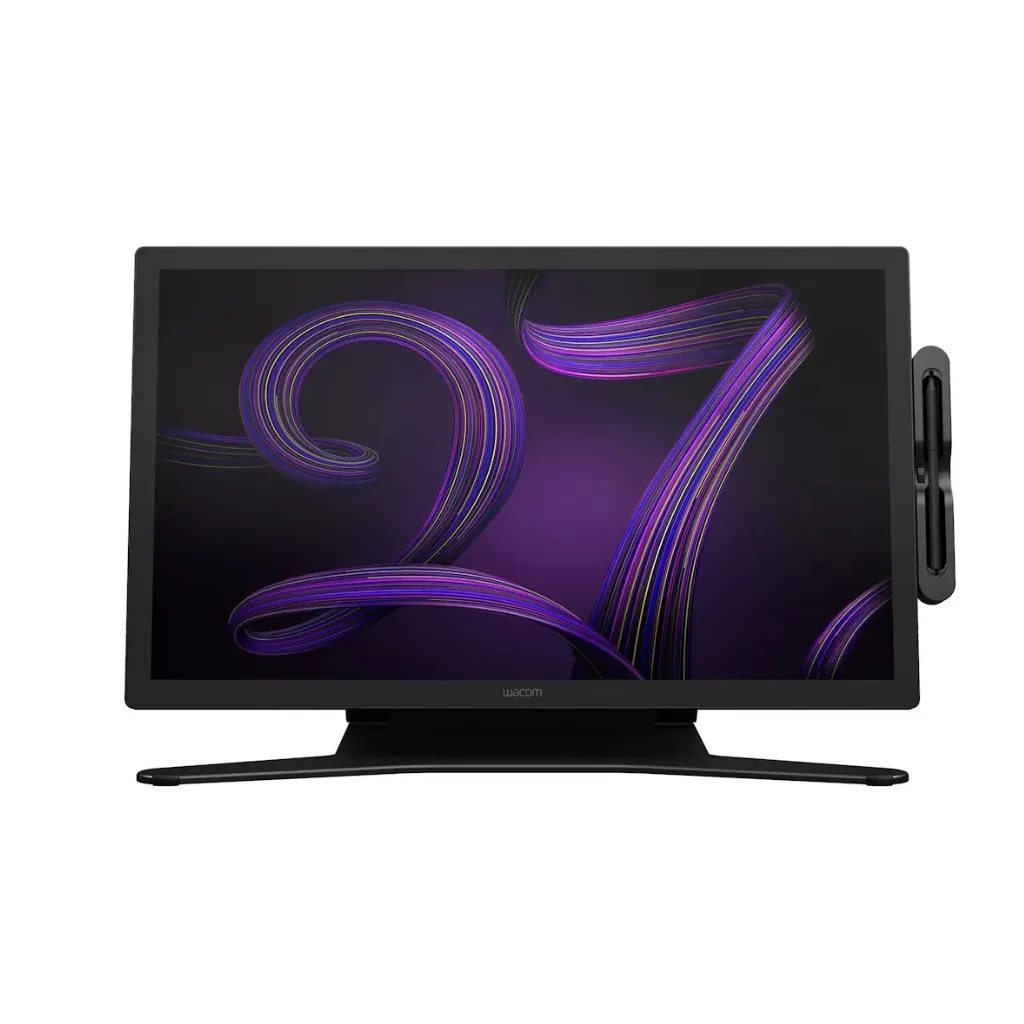
Wacom Cintiq Pro 27 (DTH271) 4K Pen Display
The Wacom Cintiq Pro 27 is the largest display in the Cintiq Pro range, built for studios and full-time professionals who need a big, colour-accurate canvas to draw directly onto. It pairs a 26.9-inch 4K IPS panel with Wacom Pro Pen 3 and 10-finger multi-touch.
- Display Size: 26.9 in (68.3 cm)
- Display Resolution: 3840 x 2160 pixels
- Display Technology: IPS
- Colour Gamut: DCI-P3 98% (CIE 1931, typ)
- Displayable Colours: 1.07 billion (10-bit x RGB = 30-bit)
- Active Area: 596 x 335 mm (23.5 x 13.2 in)
- Brightness: 400 cd/m2 (typ)
- Contrast Ratio: 1000:1 (typ)
- Response Time: 10 ms (typ)
- Viewing Angle: 178 degrees (89/89 H, 89/89 V, typ)
- Surface: Edge-to-edge tempered glass with AG etching
- Multi-Touch: Yes – 10 fingers
- Pen: Wacom Pro Pen 3
- Pen Technology: Electromagnetic resonance, cordless and battery-free
- Pen Pressure Levels: 8192
- Pen Tilt: 60 degrees
- Pen Resolution: 5080 lpi
- Product Weight: 7.2 kg (15.9 lbs)
Bring your whole creative workflow onto the screen with the Wacom Cintiq Pro 27. Built for creative professionals and studios, it combines a 26.9-inch 4K display with Wacom Pro Pen 3 and 10-finger multi-touch, giving you a large, immersive surface for illustration, animation, concept art, photo retouching and 3D design.
The 3840 x 2160 IPS panel gives you room to work at full detail without constantly zooming, and DCI-P3 98% colour coverage with 10-bit depth across 1.07 billion colours means what you see on screen holds up when the work leaves your desk. The edge-to-edge tempered glass has an anti-glare etch that keeps reflections down through long sessions.
What separates the Pro 27 from a standard Cintiq is the combination of colour accuracy, panel size and pen feel. Wacom Pro Pen 3 delivers 8,192 pressure levels with 60-degree tilt and 5080 lpi resolution, while multi-touch lets you pan, zoom and rotate the canvas with your other hand rather than reaching for a keyboard.
What is included with the Wacom Cintiq Pro 27
The Cintiq Pro 27 ships with the hardware needed to connect it to a compatible workstation and start working.
- Wacom Cintiq Pro 27 pen display
- Wacom Pro Pen 3
- Pen case with replacement nibs
- Nib removal tool
- Connection cables
- AC power adapter and power cable
- Quick Start Guide
- Warranty documentation
Designed for Professional Creative Work
- The 596 x 335 mm active area is the largest in the Cintiq Pro range, which matters most on detailed compositions, storyboards and multi-layer artwork.
- DCI-P3 98% coverage with 10-bit colour depth suits colour-critical work such as film, animation and retouching, where on-screen colour has to be trusted.
- A 178-degree viewing angle keeps colour consistent when you are drawing at an angle or reviewing work with someone beside you.
- Edge-to-edge tempered glass with anti-glare etching reduces reflections, which is the difference between a comfortable afternoon of drawing and a tiring one.
Draw Naturally with Wacom Pro Pen 3
- Wacom Pro Pen 3 provides 8,192 levels of pressure sensitivity for fine control over line weight, opacity and brush behaviour.
- 60-degree tilt recognition lets compatible applications respond to the angle you hold the pen at, which is what makes shading and calligraphic strokes feel natural.
- Pen resolution of 5080 lpi keeps fine detail accurate at the point of the nib.
- The pen is cordless and battery-free, so there is nothing to charge and nothing to interrupt a session.
Work Faster with Multi-Touch
Ten-finger multi-touch sits alongside the pen rather than replacing it. You can pan, zoom and rotate the canvas with your free hand while the Pro Pen 3 stays where it is, doing the drawing.
That matters most in applications where you navigate constantly – large illustrations, 3D scenes, long timelines. Keeping navigation on the display itself removes a lot of small interruptions that add up across a working day.
Comfortable for Long Creative Sessions
At 7.2 kg the Pro 27 is a desk fixture rather than something you move around, and it is designed to be set at an angle that suits how you actually work.
On a display this size the working angle matters more than on a small one, so plan the stand or arm mounting alongside the display itself. We can specify that as part of the order.
Frequently Asked Questions
What is the Wacom Cintiq Pro 27?
The Wacom Cintiq Pro 27 is a professional 4K pen display for digital artists, illustrators, animators, retouchers and 3D designers. It features a 26.9-inch 3840 x 2160 IPS screen, Wacom Pro Pen 3 and 10-finger multi-touch.
Does the Cintiq Pro 27 need a computer?
Yes. The Cintiq Pro 27 is a pen display, not a standalone computer. It connects to a compatible Windows or Mac workstation and shows what is on that machine, letting you draw directly on the screen.
What is the screen size and resolution?
The panel measures 26.9 inches (68.3 cm) with a 3840 x 2160 resolution and a 596 x 335 mm active drawing area.
How accurate is the colour?
Colour coverage is DCI-P3 98% (CIE 1931, typical) with 10-bit depth across 1.07 billion displayable colours, which is why it is specified for colour-critical work rather than general drawing alone.
Which pen is included?
Wacom Pro Pen 3, with 8,192 pressure levels, 60-degree tilt support and 5080 lpi pen resolution.
Does the Cintiq Pro 27 support touch?
Yes, 10-finger multi-touch, so you can pan, zoom and rotate the canvas by hand while drawing with the pen.
How much does the Wacom Cintiq Pro 27 cost in the UAE?
Pricing moves with configuration, stock and quantity, and a studio order is priced differently from a single unit. Request a quote for current UAE pricing, delivery and warranty terms.
Can I use it with Windows and macOS?
Yes, with a compatible Windows or macOS system. Connection depends on the ports your machine has, and we will confirm the right cable and adapter combination for your workstation before you order.
Does the pen need charging or batteries?
No. Wacom Pro Pen 3 uses electromagnetic resonance technology and draws power from the display itself, so there is nothing to charge and no battery to replace.
Do you supply and support this in the UAE?
Yes. We are an Authorized Wacom Solution Provider based in Dubai. Everything we supply carries manufacturer warranty, and we handle setup, driver configuration and after-sales support ourselves.
Need this configured for your workflow?
Tell us what you sign, how often, and which system it lives in. We will specify the hardware, software and integration — with UAE pricing.