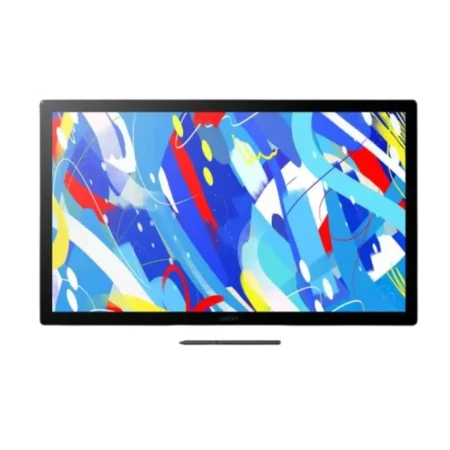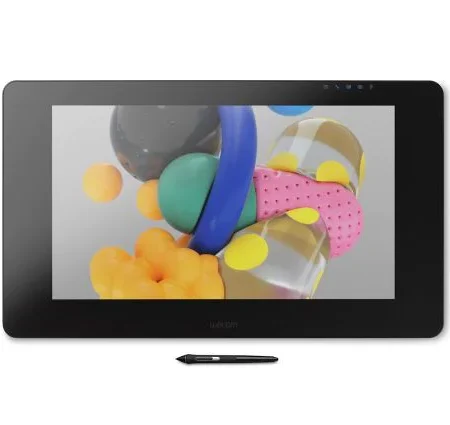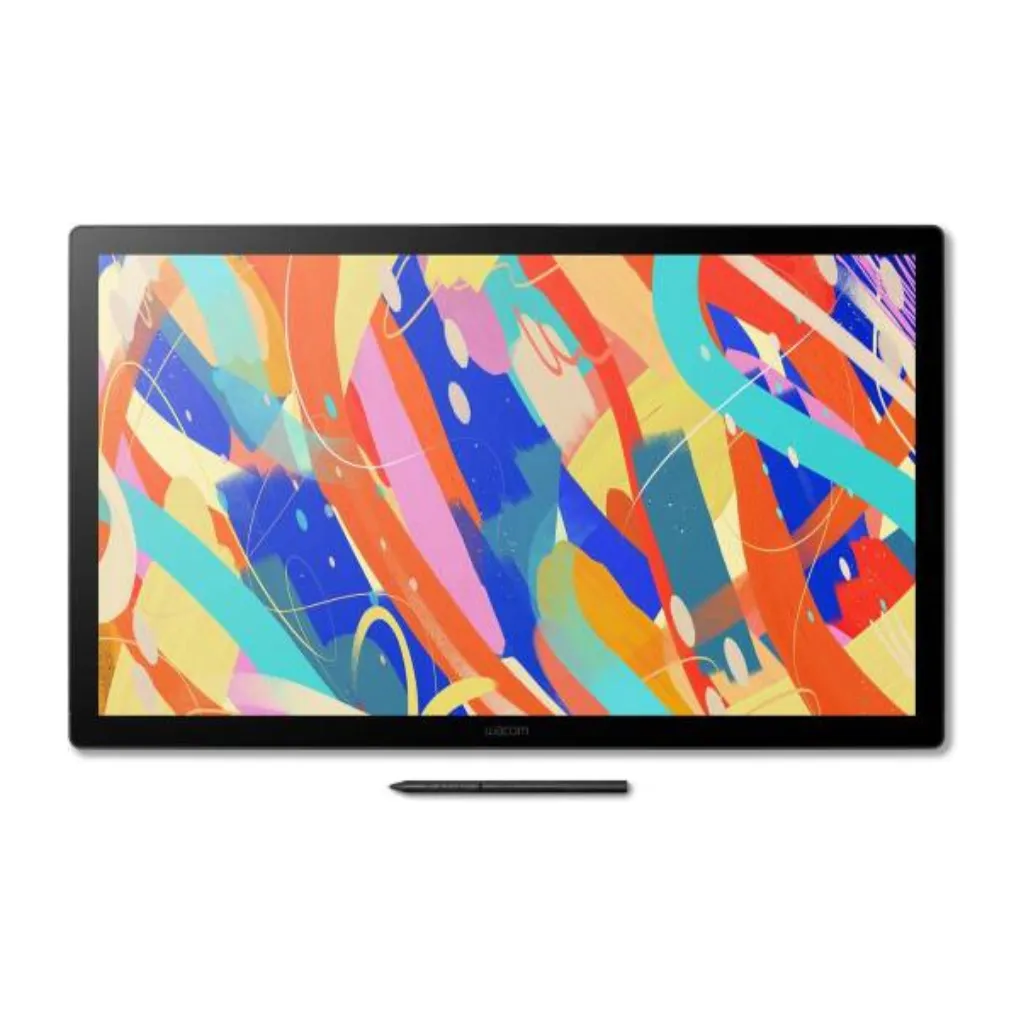
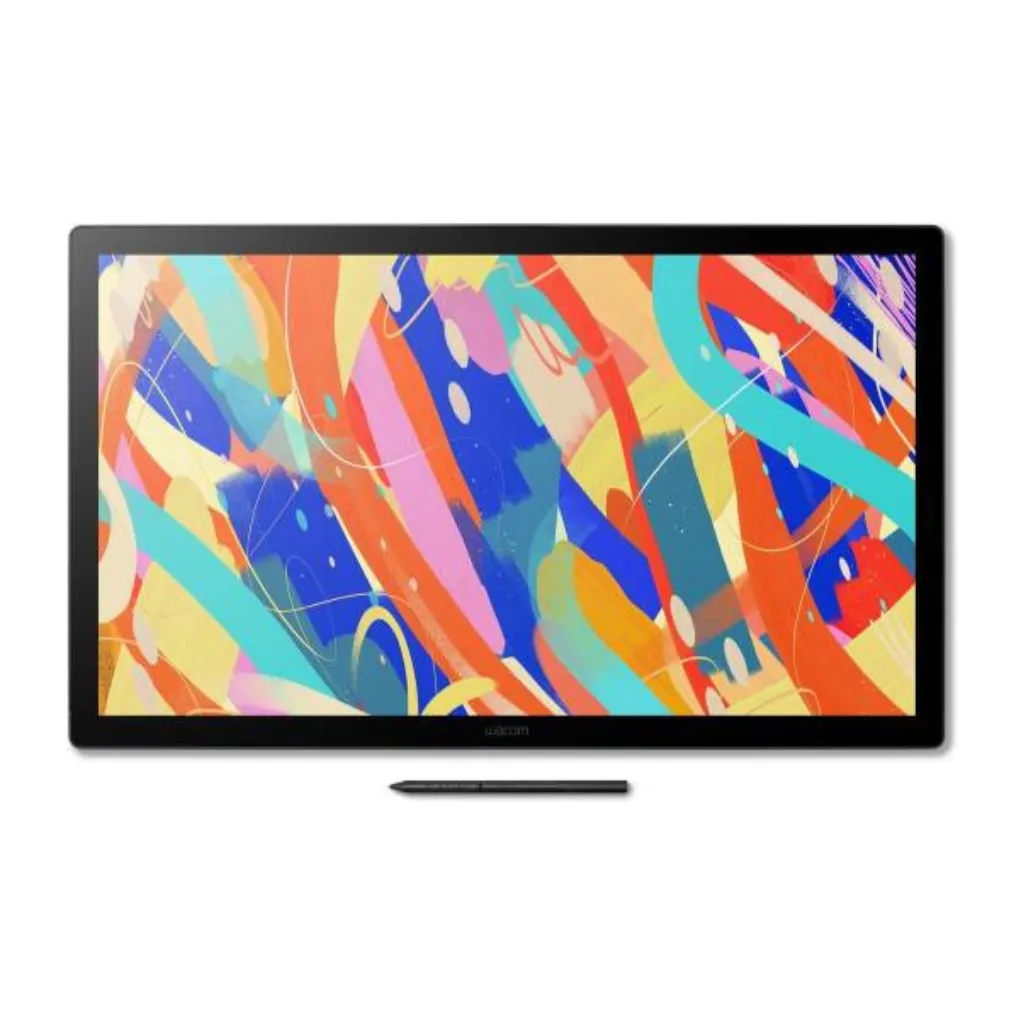
Wacom Cintiq 24″ Pro Pen Display
The Wacom Cintiq DTK246E is the premium connectivity edition of the Wacom Cintiq 24″ pen display lineup — built for professional studios, design teams, and power users who need the full package. It delivers the same stunning 23.8-inch 2560 x 1440 IPS display and the same Wacom Pro Pen 3 drawing experience as the DTK246, but adds USB-C Alt Mode single-cable connectivity, enhanced multi-monitor support, and VESA 100mm mounting — making it the go-to choice for complex creative setups. Supplied in Dubai by eTOP Trading LLC, an Authorized Wacom Solution Provider.
- USB-C Single-Cable Studio Setup
- Multi-Monitor Support for Advanced Workflows
- VESA 100mm Mount for Full Ergonomic Control
- Same Industry-Leading Pen and Display Quality
Download Datasheet
The Wacom Cintiq DTK246E is engineered for professionals who run demanding creative workflows — concept art studios, animation pipelines, advertising agencies, and production design teams where every element of the workstation needs to work together efficiently.
The defining advantage of the DTK246E over the standard DTK246 is its USB-C Alt Mode connectivity. With a compatible computer, a single USB-C cable replaces the traditional two-cable setup — handling video output, pen data transfer, and device power in one clean connection. This is not just a convenience feature: in a studio environment with five, ten, or twenty workstations, streamlined cabling has real operational value.
Multi-monitor capability is where the DTK246E genuinely transforms creative workflows. Connect a second display alongside the DTK246E and keep your reference board, client notes, Slack thread, or color palette open at all times — without it ever crowding your primary drawing canvas. Artists who have made the switch consistently describe this as one of the most impactful productivity changes they’ve made.
The VESA 100mm mount extends the DTK246E’s ergonomic options significantly beyond the included stand. Compatible with professional monitor arms, the display can be positioned, angled, and repositioned with complete freedom — whether you’re in a fixed studio configuration or a flexible hot-desk environment. For teams managing multiple workstations, VESA compatibility also enables rack or wall-mounting in specialized production setups.
The display itself is a 23.8-inch IPS panel with anti-glare etched bonded glass, 2560 x 1440 resolution, 100% sRGB coverage, and near-zero parallax. The Wacom Pro Pen 3 — with 8,192 levels of pressure sensitivity, ±60° tilt recognition, and three programmable side switches — delivers the same premium drawing experience that has made Wacom the standard for professional creative work worldwide. Battery-free, EMR-powered, and never in need of charging.
Like the DTK246, the DTK246E features a fully fanless design for silent operation, an adjustable stand for comfortable working angles, and compatibility with Windows, macOS, and Android. Both products include up to 6 months of Clip Studio Paint EX, giving you a world-class creative application ready to use from day one.
-
Model: Wacom Cintiq DTK246E
-
SKU: DTK246EK0B
-
Display Size: 23.8 inches (60.5 cm diagonal)
-
Active Drawing Area: 527 x 296 mm
-
Resolution: 2560 x 1440 (2.5K WQHD)
-
Aspect Ratio: 16:9
-
Display Type: IPS LCD with anti-glare etched bonded glass
-
Color Gamut: 100% sRGB
-
Color Depth: 8-bit
-
Brightness: 350 cd/m²
-
Response Time: 12 ms
-
Pen Model: Wacom Pro Pen 3
-
Pen Technology: EMR (Electromagnetic Resonance) — battery-free
-
Pressure Levels: 8,192
-
Tilt Recognition: ±60°
-
Pen Side Switches: 3 programmable buttons
-
Pen Resolution: 5080 LPI
-
ExpressKeys: 8 programmable virtual ExpressKeys
-
Connectivity: USB-C Alt Mode (single cable: power + display + data), HDMI, USB-A
-
USB-C Requirement: Host PC must support DisplayPort Alt Mode or Thunderbolt 3 / 4
-
VESA Mount: 100 x 100 mm
-
Stand Angle: 20° to 75° (adjustable)
-
Multi-Monitor Support: Yes — enhanced multi-display support
-
Multitouch: No
-
Fan / Noise: Fanless — silent operation
-
OS Compatibility: Windows 10 or later, macOS 13.0 or later, Android 8 or later
-
Bundled Software: Up to 6 months Clip Studio Paint EX (registration required)
-
Weight: Approx. 7.3 kg
-
Thickness: Approx. 21 mm
-
Ideal Use Cases: Studio illustration, animation, concept art, motion graphics, photo editing, team workstations
The Wacom Cintiq DTK246E is engineered for professionals who run demanding creative workflows — concept art studios, animation pipelines, advertising agencies, and production design teams where every element of the workstation needs to work together efficiently.
The defining advantage of the DTK246E over the standard DTK246 is its USB-C Alt Mode connectivity. With a compatible computer, a single USB-C cable replaces the traditional two-cable setup — handling video output, pen data transfer, and device power in one clean connection. This is not just a convenience feature: in a studio environment with five, ten, or twenty workstations, streamlined cabling has real operational value.
Multi-monitor capability is where the DTK246E genuinely transforms creative workflows. Connect a second display alongside the DTK246E and keep your reference board, client notes, Slack thread, or color palette open at all times — without it ever crowding your primary drawing canvas. Artists who have made the switch consistently describe this as one of the most impactful productivity changes they’ve made.
The VESA 100mm mount extends the DTK246E’s ergonomic options significantly beyond the included stand. Compatible with professional monitor arms, the display can be positioned, angled, and repositioned with complete freedom — whether you’re in a fixed studio configuration or a flexible hot-desk environment. For teams managing multiple workstations, VESA compatibility also enables rack or wall-mounting in specialized production setups.
The display itself is a 23.8-inch IPS panel with anti-glare etched bonded glass, 2560 x 1440 resolution, 100% sRGB coverage, and near-zero parallax. The Wacom Pro Pen 3 — with 8,192 levels of pressure sensitivity, ±60° tilt recognition, and three programmable side switches — delivers the same premium drawing experience that has made Wacom the standard for professional creative work worldwide. Battery-free, EMR-powered, and never in need of charging.
Like the DTK246, the DTK246E features a fully fanless design for silent operation, an adjustable stand for comfortable working angles, and compatibility with Windows, macOS, and Android. Both products include up to 6 months of Clip Studio Paint EX, giving you a world-class creative application ready to use from day one.
-
Model: Wacom Cintiq DTK246E
-
SKU: DTK246EK0B
-
Display Size: 23.8 inches (60.5 cm diagonal)
-
Active Drawing Area: 527 x 296 mm
-
Resolution: 2560 x 1440 (2.5K WQHD)
-
Aspect Ratio: 16:9
-
Display Type: IPS LCD with anti-glare etched bonded glass
-
Color Gamut: 100% sRGB
-
Color Depth: 8-bit
-
Brightness: 350 cd/m²
-
Response Time: 12 ms
-
Pen Model: Wacom Pro Pen 3
-
Pen Technology: EMR (Electromagnetic Resonance) — battery-free
-
Pressure Levels: 8,192
-
Tilt Recognition: ±60°
-
Pen Side Switches: 3 programmable buttons
-
Pen Resolution: 5080 LPI
-
ExpressKeys: 8 programmable virtual ExpressKeys
-
Connectivity: USB-C Alt Mode (single cable: power + display + data), HDMI, USB-A
-
USB-C Requirement: Host PC must support DisplayPort Alt Mode or Thunderbolt 3 / 4
-
VESA Mount: 100 x 100 mm
-
Stand Angle: 20° to 75° (adjustable)
-
Multi-Monitor Support: Yes — enhanced multi-display support
-
Multitouch: No
-
Fan / Noise: Fanless — silent operation
-
OS Compatibility: Windows 10 or later, macOS 13.0 or later, Android 8 or later
-
Bundled Software: Up to 6 months Clip Studio Paint EX (registration required)
-
Weight: Approx. 7.3 kg
-
Thickness: Approx. 21 mm
-
Ideal Use Cases: Studio illustration, animation, concept art, motion graphics, photo editing, team workstations
Who Is the DTK246E For?
- Professional design studios and advertising agencies equipping full creative teams
- Concept artists and senior illustrators who run multi-monitor reference setups
- Video editors and motion graphics artists who need the clean desk that USB-C enables
- Architecture and engineering visualization professionals who work across large canvas areas
- Freelance professionals who want the most future-proof Wacom Cintiq 24″ option available
- Studios planning to scale — the DTK246E’s connectivity and VESA 100mm mount make it easy to standardize across multiple workstations
Frequently Asked Questions
Does the Wacom Cintiq DTK246E need a computer?
Yes. A Cintiq is a pen display, not a standalone tablet — it shows what is on your computer and lets you draw directly onto it. You need a Windows or Mac computer running your creative software. If you want a device that works on its own, that is a different category of product.
What is the DTK246E?
A variant in the 24-inch pen-only Cintiq family. Suffix letters denote regional or bundle differences rather than a different panel, so confirm the exact configuration with us before ordering to be sure of what is included.
Is it pen only or does it have touch?
Pen only. DTK in the Wacom naming denotes pen input without multi-touch. If you want gesture navigation, look at the Cintiq 24 Touch instead.
Does the pen need charging or batteries?
Neither. Wacom pens use EMR technology and draw no power of their own, so there is nothing to charge and no battery to replace — a real advantage over pens that die mid-session.
Who is a 24-inch Cintiq best for?
Illustrators, animators and storyboard artists who work zoomed in for long periods and want room to draw without constantly repositioning the canvas.
Cintiq or iPad Pro for professional drawing?
They solve different problems. An iPad is a complete computer you can draw on anywhere; a Cintiq is a display for the computer you already own, and it is generally the better drawing surface — larger working area and an anti-glare finish closer to paper than glass. Choose the iPad for portability, the Cintiq for desk work with your full desktop software.
Can we order several for a studio?
Yes, and we price for it. Talk to us about quantity pricing, VESA or arm mounting, matching pen and nib spares across the team, and standardising one model so support stays simple as artists move between desks.
How much does the Cintiq DTK246E cost in the UAE?
Ask us for a current quote — pricing moves with stock and quantity, and studio orders are priced differently from a single unit. We supply genuine Wacom stock in the UAE with manufacturer warranty and local support.