
This is the full Wacom signing range we supply and support in the UAE — every STU signature pad, every DTU signing display, the interactive pen displays used for full-page document signing, and the CH2 sets that arrive with sign pro PDF licensing included. Pick a model to see its specification, or tell us what you sign and we will specify it for you. We are an Authorized Wacom Solution Provider and we integrate this hardware rather than simply box-shift it.
Signature Sets — Hardware and Software Together
A CH2 set pairs the device with sign pro PDF licensing, so signing works on day one with no development effort. This is the shortest route from paper to a signed, verifiable PDF.
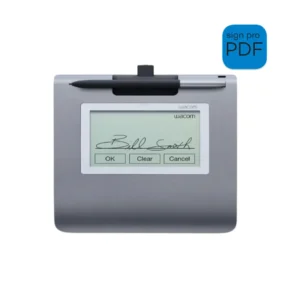 STU-430-CH2
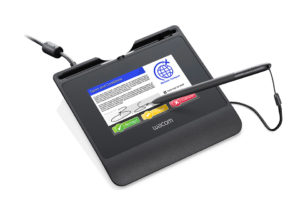 STU-540-CH2
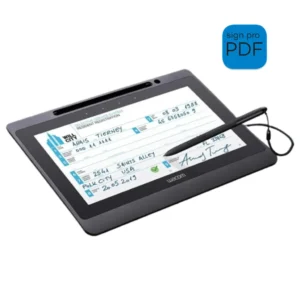 DTU-1141B-CH2
STU Signature Pads
The STU range is counter hardware: compact, hard-wearing pads built to be signed on hundreds of times a day. The signer sees the signature area rather than the whole document, which is why these suit high-volume service points — branch counters, admissions desks, delivery handover.
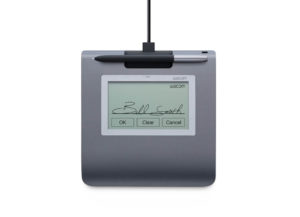 STU-430STU-540
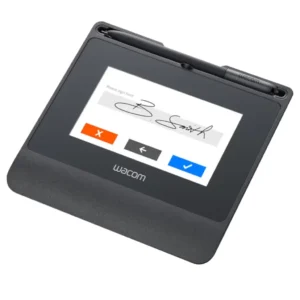 STU-541
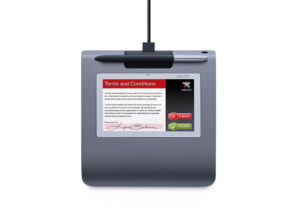 STU-530
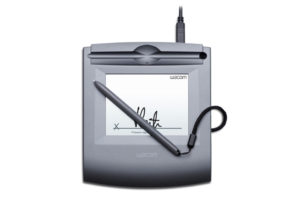 STU-500
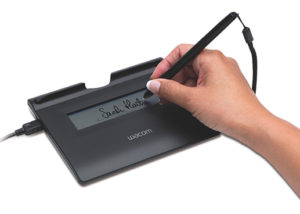 STU-300B
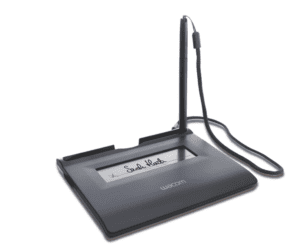 STU-300
DTU Signing Displays
A DTU shows the document on screen while it is signed. Where a customer should visibly read what they are agreeing to — a contract, a consent form, a loan agreement — this is the category that satisfies that requirement.
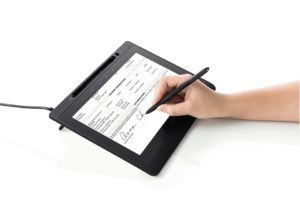 DTU-1141B
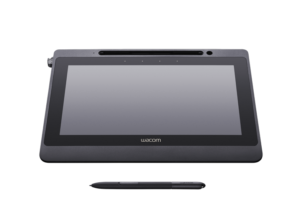 DTU-1141
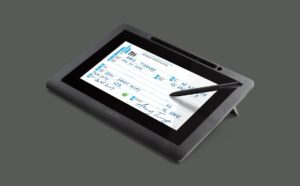 DTU-1031AX
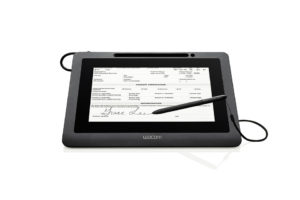 DTU-1031XDTU-1031
Interactive Pen Displays for Full-Page Signing
Larger interactive displays handle full-page review and multi-signature documents, and double as pen displays for annotation. These are the models specified for legal, banking back-office and government front-desk work where the whole page matters.
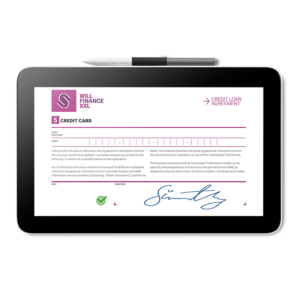 DTC121
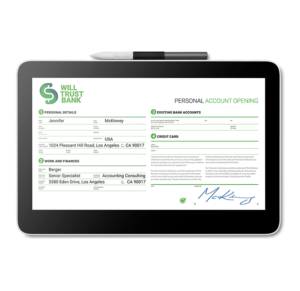 DTH134
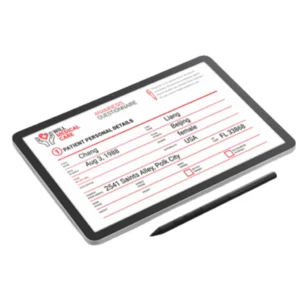 DTHA116
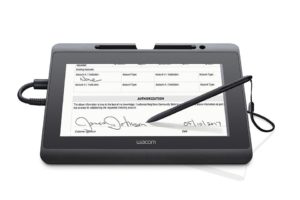 DTH-1152
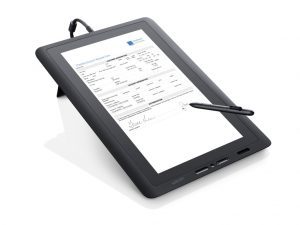 DTK-1651
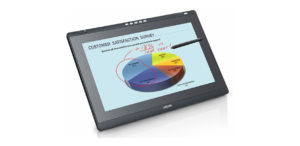 DTK-2241
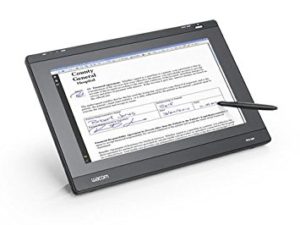 DTH-2242
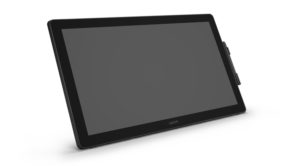 DTK-2451
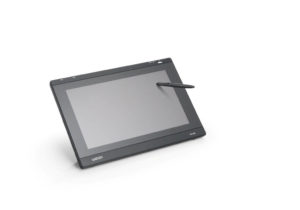 PL-1600
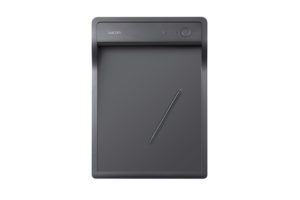 PHU-111
Which Range Fits Your Process?
The decision is almost always about how much of the document the signer needs to see, and how many signatures a day the device has to survive.
| Consideration | STU Signature Pads | DTU Signing Displays | Interactive Pen Displays |
|---|---|---|---|
| What the signer sees | The signature area | The document on screen | The full page, at size |
| Typical placement | Service counter | Advisor or teller desk | Back office, legal, notary |
| Daily volume | Very high | Moderate to high | Lower, higher value |
| Screen size | 4.5″ to 5″ | 10.1″ to 11.6″ | 15.6″ to 23.8″ |
| Biometric capture | Yes | Yes | Yes |
| Best suited to | Fast, repeated signing | Signing where the customer must read the terms | Full-page review and multi-signature documents |
STU Signature Pads
- What the signer sees
- The signature area
- Typical placement
- Service counter
- Daily volume
- Very high
- Screen size
- 4.5″ to 5″
- Biometric capture
- Yes
- Best suited to
- Fast, repeated signing
DTU Signing Displays
- What the signer sees
- The document on screen
- Typical placement
- Advisor or teller desk
- Daily volume
- Moderate to high
- Screen size
- 10.1″ to 11.6″
- Biometric capture
- Yes
- Best suited to
- Signing where the customer must read the terms
Interactive Pen Displays
- What the signer sees
- The full page, at size
- Typical placement
- Back office, legal, notary
- Daily volume
- Lower, higher value
- Screen size
- 15.6″ to 23.8″
- Biometric capture
- Yes
- Best suited to
- Full-page review and multi-signature documents
Software and SDKs
Hardware captures the signature; software decides where it goes. There are three routes — sign the PDF directly with a ready-made application, call signing from a workflow you already run, or capture the signature inside your own system with an SDK. Our signature software and SDK page compares all three and explains which one suits which situation.
Why Buy Through eTOP
We are a system integrator, not a catalogue. That means the pad you receive has been matched to your documents, your signing volume and the platform it has to talk to — and that we are still involved after delivery. Genuine Wacom stock, manufacturer warranty, UAE delivery, and support from people who have deployed this hardware into banking, healthcare, education and government environments.
Request a Quote
Tell us what you sign, roughly how often, and which system it lives in. We will come back with the model, the software route and UAE pricing — not just a line item.
Frequently Asked Questions
What is a Wacom signature pad?
A dedicated device that captures a handwritten signature electronically. It records the visible signature and, alongside it, the pressure, speed and rhythm of the signing action. That biometric layer is what separates it from a signature drawn with a mouse or typed into a box.
Do I need a pad or a signing display?
A pad shows the signature area only. A signing display shows the document while it is signed. If the signer should visibly read the terms before agreeing — consent forms, contracts, account opening — specify a display. For fast repeated signing at a counter, a pad is the better tool and costs less.
Are electronic signatures legally valid in the UAE?
Electronic signatures are recognised under UAE law, and the biometric data a Wacom device captures is what allows a signature to be examined and attributed later. The precise requirements depend on the document type and your sector’s regulator, so treat this as a starting point and take your own legal advice on your specific use case.
Will it work with the system we already run?
Usually yes, and the route depends on how much you want to change. Document-centric processes go through sign pro PDF API. Signing that must appear inside your own screens goes through the Wacom Ink SDK. We scope the integration against your platform before recommending hardware, so the device matches the software path.
Do these work over Citrix or a virtual desktop?
Yes, and it is a common requirement in banking. Support depends on the specific model and your virtualisation setup, so it needs confirming per device — several current pads offer native Citrix support. Tell us your environment and we will confirm the combination before you commit.
Can we still get support for an older model?
Yes. Several models on this page are no longer in production but remain in service across the UAE, and we continue to support existing deployments and advise on the current equivalent when a device finally needs replacing.
How much does a Wacom signature pad cost in the UAE?
Ask us for a current quote. Pricing moves with model, quantity and whether you need software licensing and integration alongside the hardware — and a counter rollout is priced differently from a single unit.
Not sure which model fits? Tell us what you sign and how often — request a consultation and we will specify the hardware, the software and the integration together, with UAE pricing.