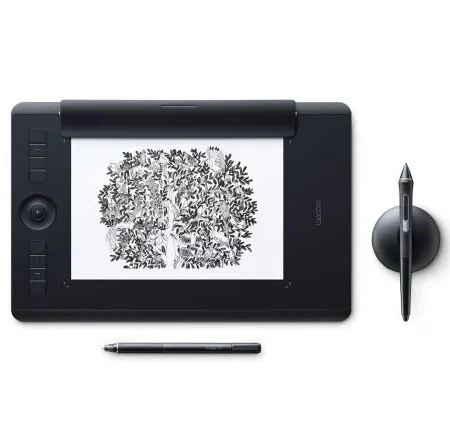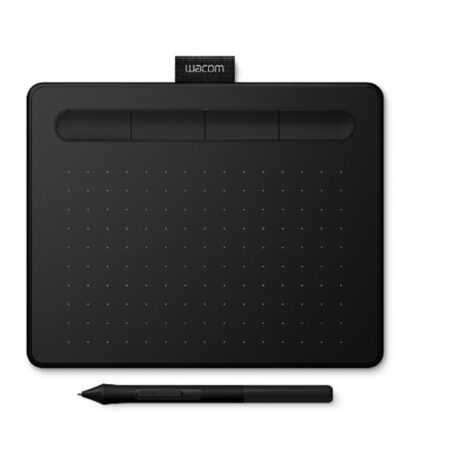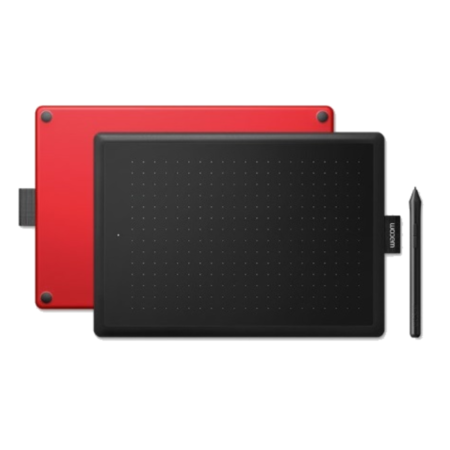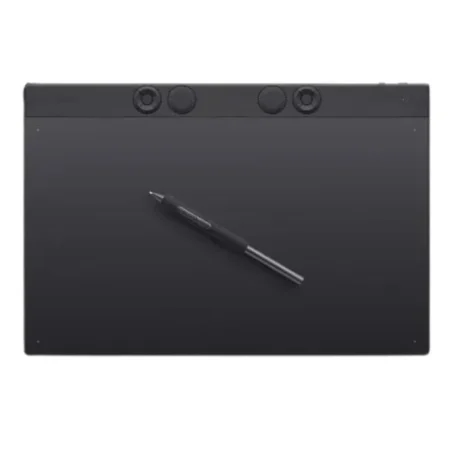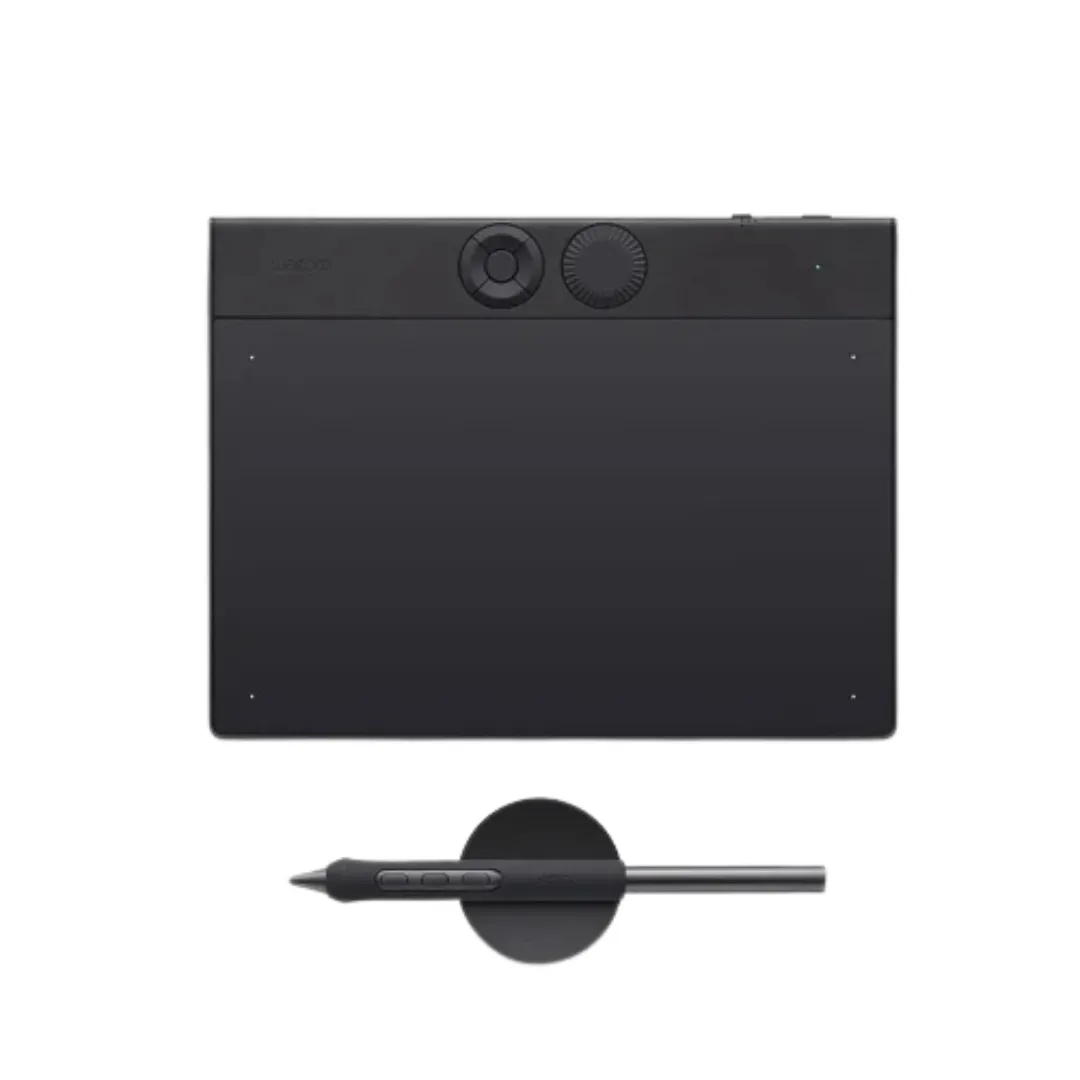
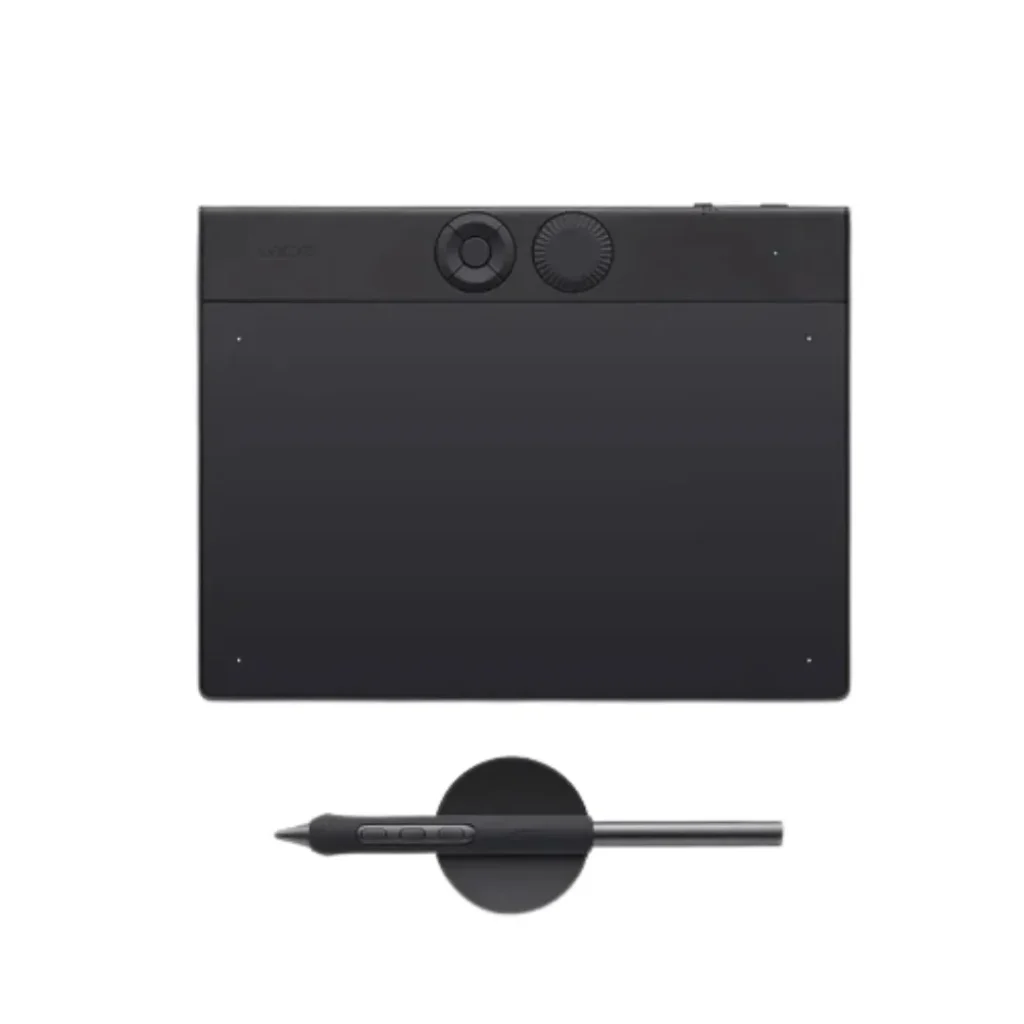
The Wacom Intuos Pro Small (PTH460K0B) is a compact professional drawing tablet designed for illustrators, graphic designers, photographers, and digital artists who require precision in a portable form factor.
- Active area: 160 × 100 mm (6.3 × 3.9 in)
- Wacom Pro Pen 2 with 8,192 pressure levels
- ±60° tilt recognition
- Battery-free EMR pen technology
- Multi-touch gesture support
- 6 customizable ExpressKeys
- Built-in Bluetooth wireless connectivity
- Compact and portable design
- USB connectivity for wired operation
- Compatible with Windows and macOS systems
- Left and right-hand user support
Tags: Wacom Intuos Pro
Download Datasheet
The Wacom Intuos Pro Small PTH460K0B is built for creative professionals who need high-performance pen input without sacrificing desk space or portability. The tablet combines the precision of the Wacom Pro Pen 2 with multi-touch navigation, allowing users to zoom, rotate, and navigate projects naturally using finger gestures.
Its compact footprint makes it an excellent choice for professionals working in studios, offices, educational environments, or remote work setups. The Bluetooth connectivity reduces cable clutter, while the customizable ExpressKeys help streamline repetitive tasks in applications such as Adobe Photoshop, Illustrator, Lightroom, CorelDRAW, and Clip Studio Paint.
Whether you are creating digital illustrations, editing photographs, designing graphics, or annotating creative projects, the Intuos Pro Small delivers professional-grade performance in a highly portable format.
| Specification | Details |
|---|---|
| Model | PTH460K0B |
| Product Type | Professional Pen Tablet |
| Active Area | 160 × 100 mm |
| Pen | Wacom Pro Pen 2 |
| Pressure Levels | 8,192 |
| Tilt Support | ±60° |
| Multi-Touch | Yes |
| ExpressKeys | 6 Customizable Keys |
| Connectivity | Bluetooth, USB |
| Pen Technology | Electromagnetic Resonance (EMR) |
| Pen Type | Battery-Free |
| Dimensions | 269 × 170 × 8.45 mm |
| Weight | 450 g |
| Color | Black |
| Compatibility | Windows 7+ / macOS 10.12+ |
| Hand Orientation | Left & Right Hand Compatible |
The Wacom Intuos Pro Small PTH460K0B is built for creative professionals who need high-performance pen input without sacrificing desk space or portability. The tablet combines the precision of the Wacom Pro Pen 2 with multi-touch navigation, allowing users to zoom, rotate, and navigate projects naturally using finger gestures.
Its compact footprint makes it an excellent choice for professionals working in studios, offices, educational environments, or remote work setups. The Bluetooth connectivity reduces cable clutter, while the customizable ExpressKeys help streamline repetitive tasks in applications such as Adobe Photoshop, Illustrator, Lightroom, CorelDRAW, and Clip Studio Paint.
Whether you are creating digital illustrations, editing photographs, designing graphics, or annotating creative projects, the Intuos Pro Small delivers professional-grade performance in a highly portable format.
| Specification | Details |
|---|---|
| Model | PTH460K0B |
| Product Type | Professional Pen Tablet |
| Active Area | 160 × 100 mm |
| Pen | Wacom Pro Pen 2 |
| Pressure Levels | 8,192 |
| Tilt Support | ±60° |
| Multi-Touch | Yes |
| ExpressKeys | 6 Customizable Keys |
| Connectivity | Bluetooth, USB |
| Pen Technology | Electromagnetic Resonance (EMR) |
| Pen Type | Battery-Free |
| Dimensions | 269 × 170 × 8.45 mm |
| Weight | 450 g |
| Color | Black |
| Compatibility | Windows 7+ / macOS 10.12+ |
| Hand Orientation | Left & Right Hand Compatible |
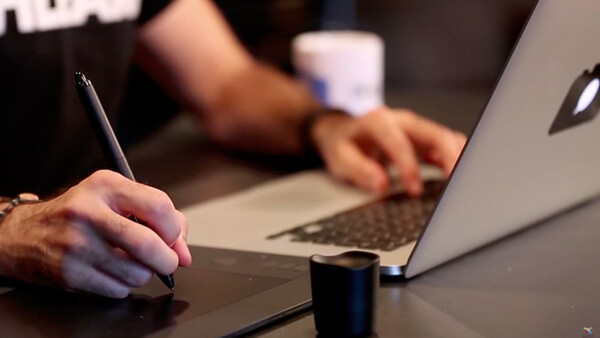
Ideal Applications
- Digital Illustration
- Graphic Design
- Photo Retouching
- Digital Painting
- Online Teaching
- Animation & Storyboarding
- Signature Capture Workflows
- Creative Content Production
Is the Wacom Intuos Pro Small PTH460K0B suitable for professional artists?
Yes. The tablet features the professional-grade Wacom Pro Pen 2 with 8,192 pressure levels and tilt support, making it suitable for illustration, graphic design, and photo editing workflows.
Does the Intuos Pro Small support touch gestures?
Yes. The PTH460K0B supports multi-touch gestures, allowing users to zoom, rotate, scroll, and navigate naturally on the tablet surface.
Can I connect the tablet wirelessly?
The tablet has Bluetooth built in, so you can use it without any wires. You can also plug it into your computer using a USB cable if you need to.
Is the pen battery-free?
The Wacom Pro Pen 2 that comes with it uses a special kind of technology called EMR, which means it doesn’t need to be charged or have any batteries in it.
How Does the Wacom Intuos Pro Small Improve Creative Workflow?
The Wacom Intuos Pro Small is a great tool for creative people. It has a precise pen that lets you draw and write exactly how you want. You can also use gestures with your fingers, like on a smartphone. Plus, you can set up your own shortcuts to make your work faster. And the best part is, you don’t need to be tied to your computer – it connects wirelessly. This means you can work on your projects from anywhere, whether you’re editing pictures, making art, designing things, or working from home. You still get the precision and control you need, just like with a bigger Wacom tablet, but in a smaller package.
Yes. The tablet features the professional-grade Wacom Pro Pen 2 with 8,192 pressure levels and tilt support, making it suitable for illustration, graphic design, and photo editing workflows.
Yes. The PTH460K0B supports multi-touch gestures, allowing users to zoom, rotate, scroll, and navigate naturally on the tablet surface.
The tablet has Bluetooth built in, so you can use it without any wires. You can also plug it into your computer using a USB cable if you need to.
The Wacom Pro Pen 2 that comes with it uses a special kind of technology called EMR, which means it doesn’t need to be charged or have any batteries in it.
The Wacom Intuos Pro Small is a great tool for creative people. It has a precise pen that lets you draw and write exactly how you want. You can also use gestures with your fingers, like on a smartphone. Plus, you can set up your own shortcuts to make your work faster. And the best part is, you don’t need to be tied to your computer – it connects wirelessly. This means you can work on your projects from anywhere, whether you’re editing pictures, making art, designing things, or working from home. You still get the precision and control you need, just like with a bigger Wacom tablet, but in a smaller package.
Frequently Asked Questions
Does the Wacom Intuos Pro Small (PTH460K0B) have a screen?
No. This is a pen tablet, not a pen display — it has no screen of its own. You draw on the tablet surface and watch your monitor. It takes most people a few days to adapt, and after that many artists prefer it because your hand never covers the artwork.
Which size Intuos Pro should I buy?
Pick by your desk and your arm, not by ambition. Small suits laptop users and tight desks; Medium is what most people should buy and is the usual studio default; Large suits big monitors or dual-screen setups where you want a 1:1 feel. A tablet larger than your desk allows will make you work worse, not better.
What does Intuos Pro offer over a standard Intuos?
Intuos Pro adds professional build, higher pressure sensitivity, multi-touch, customisable ExpressKeys and a Touch Ring. The standard Intuos covers the fundamentals at a much lower price. If you are starting out or working to a budget, the standard Intuos is genuinely enough.
Does the pen need charging or batteries?
Neither. Wacom pens use EMR technology and draw no power of their own, so there is nothing to charge and no battery to replace.
Is it suitable for professional client work?
Yes. Intuos Pro is the working tablet for a large share of professional illustrators, retouchers and designers, and its pressure and tilt response is well beyond what most workflows require.
Does it work with Photoshop, Illustrator, Clip Studio and Blender?
Yes. Wacom tablets work at driver level, so any application that accepts pen pressure supports them — Photoshop, Illustrator, Clip Studio Paint, Krita, Blender, ZBrush and the rest.
Can a studio or classroom standardise on this model?
Yes, and it is a sensible fleet choice — no screens to calibrate, no charging, and pens and nibs are interchangeable across units. Talk to us about quantity pricing and spare nibs and pens for a team.
How much does the Wacom Intuos Pro Small (PTH460K0B) cost in the UAE?
Ask us for a current quote — pricing moves with stock and quantity, and studio or education orders are priced differently from a single unit. Genuine Wacom stock, UAE delivery, manufacturer warranty.