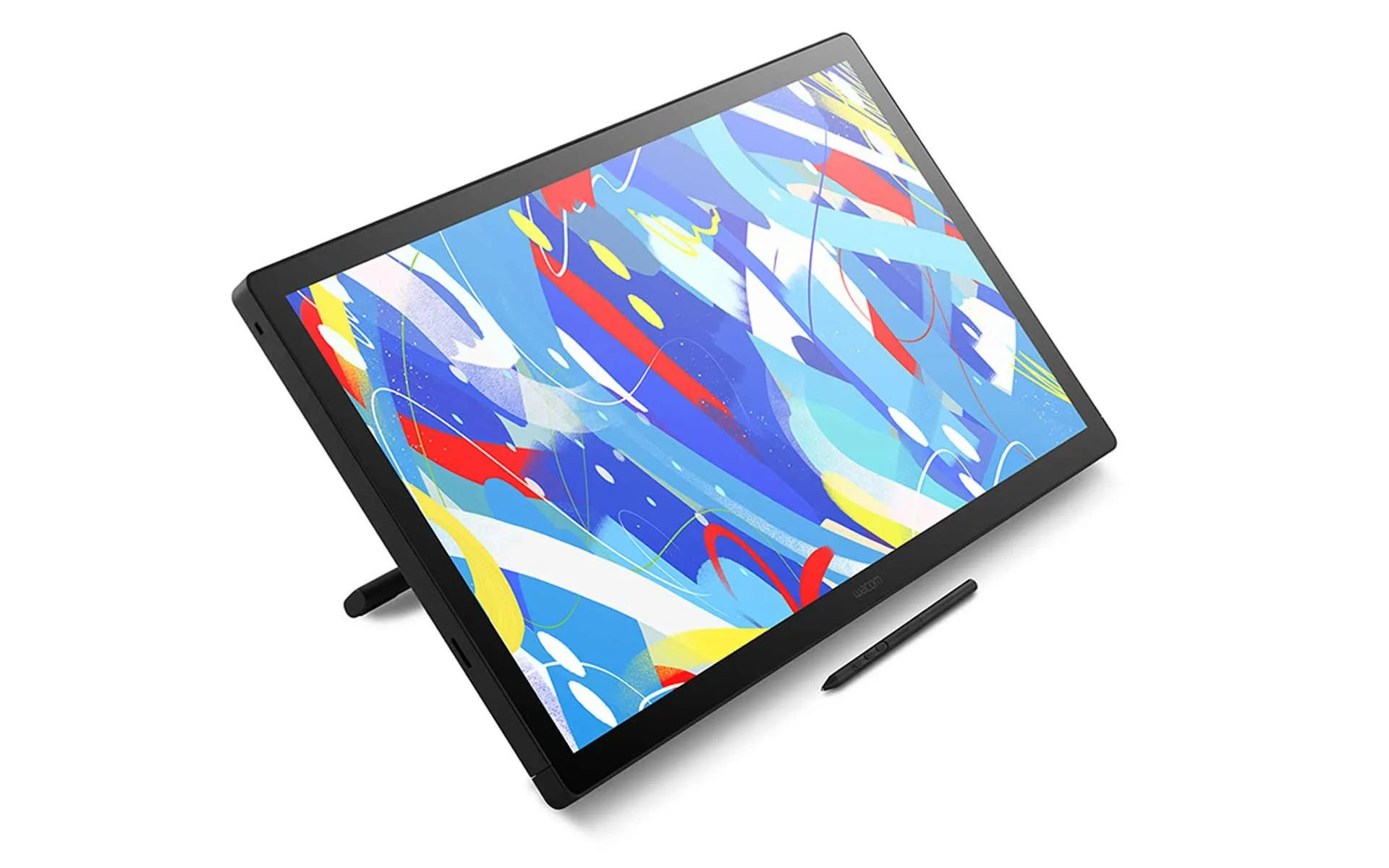
Wacom Cintiq 24 Touch
Why Choose the New Wacom Cintiq?
- Trusted by creatives worldwide for reliable pen display performance
- Combines precision and gesture control in one device
- Spacious 23.8″ 2.5K display with 10-finger multi-touch capability
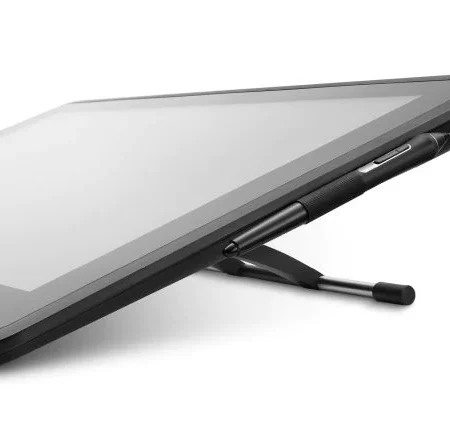
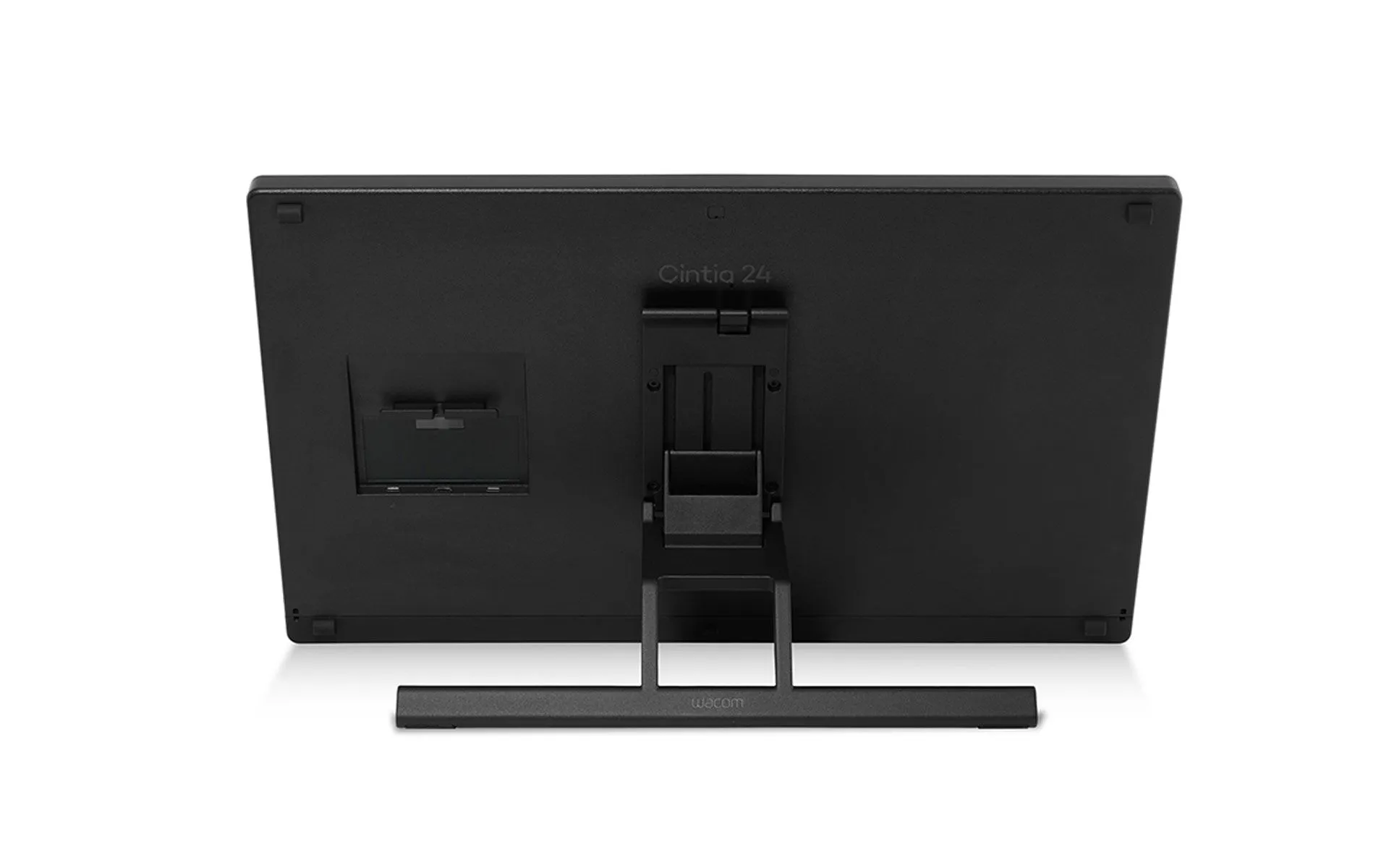
- Includes adjustable stand (16°–69°) for ergonomic comfort
- VESA-compatible for flexible studio setups
- Pro Pen 3 adapts to your workflow and grip preferences
- Sleek design with improved cable management
- Fanless, stable, and built for long sessions
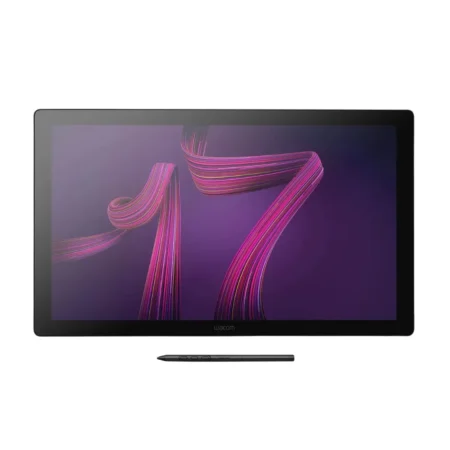
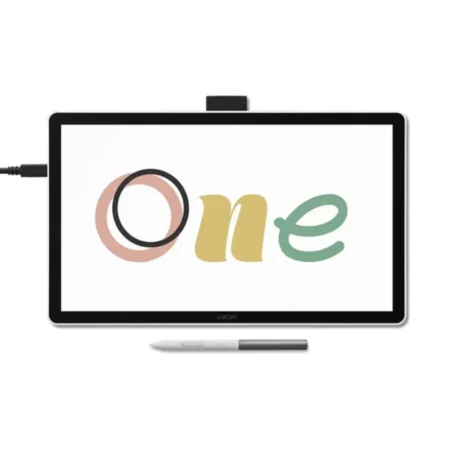
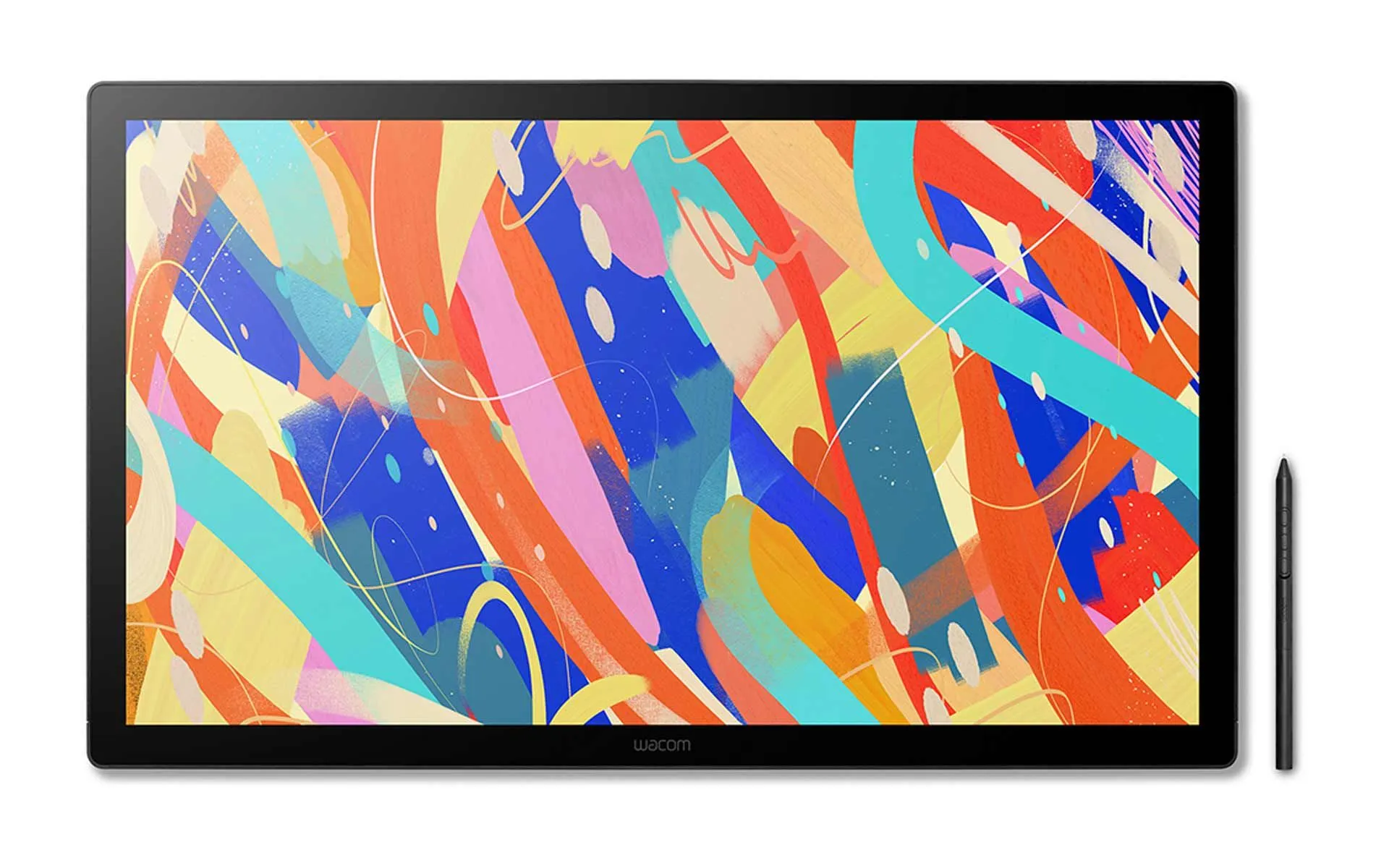
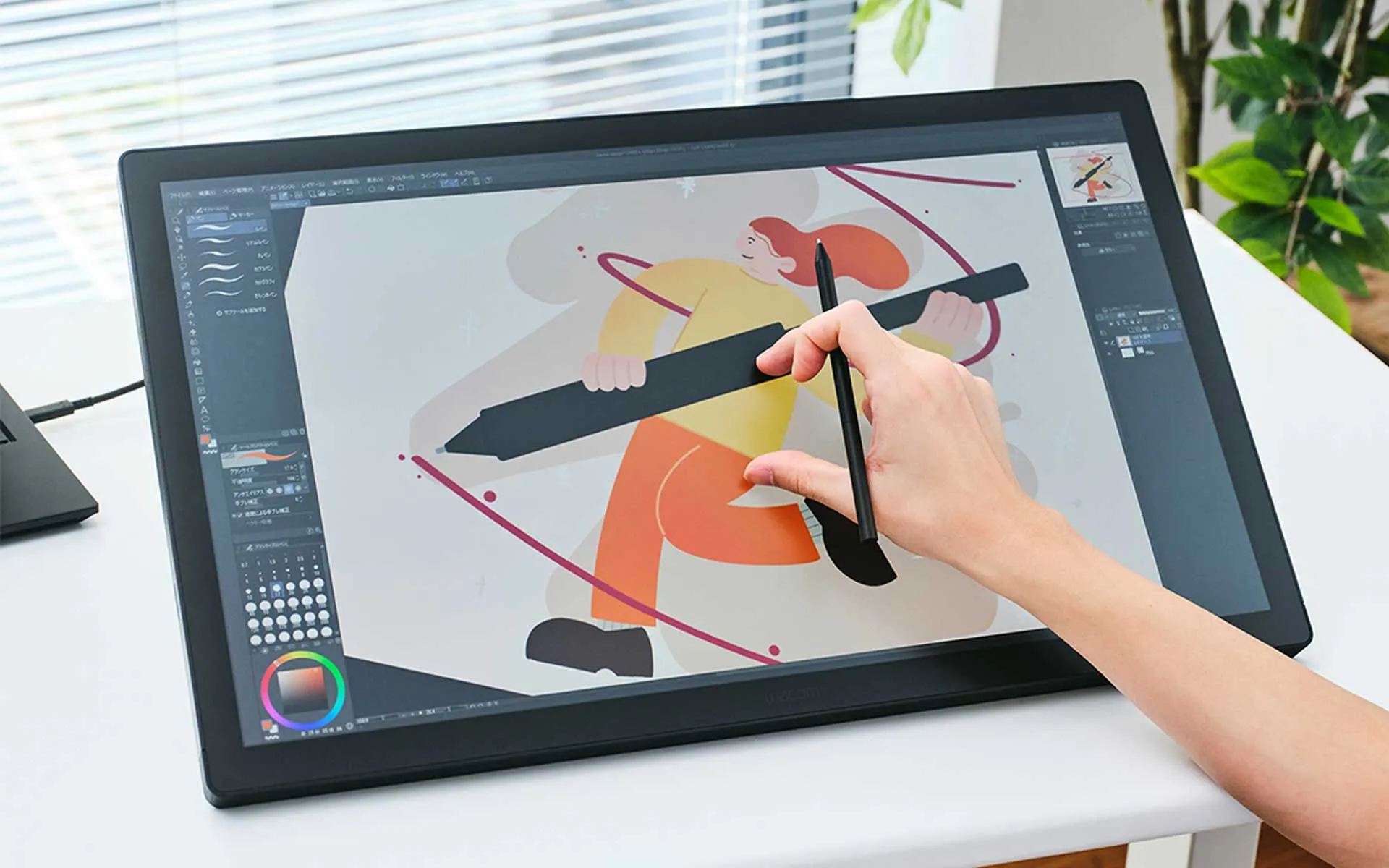
Built for creators who thrive on direct, tactile interaction, the Wacom Cintiq 24 Touch adds intuitive multi-touch control to an already powerful creative tool. Like the standard version, the Wacom Cintiq 24 Touch features a 23.8-inch display with a spacious 527 x 296 mm active area and a slim 21 mm profile. Weighing 5.9 kg with the stand, it’s optimized for studio setups requiring both stability and interactivity. The addition of multi-touch support lets you zoom, rotate, and navigate with your fingers—seamlessly blending pen precision with intuitive gestures.
Paired with the Wacom Pro Pen 3, a 2.5K anti-glare display, and adjustable ergonomics, the Wacom Cintiq 24 Touch delivers a fully immersive, hands-on creative experience. Wacom Cintiq is the cornerstone to build your career on – trusted by pros, ready for you.
From the inside out, Wacom Pro Pen 3 can be configured to your favorite feel. With customizable weight, pen buttons and center of balance, find the configuration that suits your style. This tailor-made approach to design delivers an unforgettable creative experience.
- 8,192 levels of pressure sensitivity, 3 side switches
- State of the Art Pen Technology: 3rd generation Wacom Pen technology
- Perfect Custom Fit: Customizations for weight balance or no-side-switch included (different grips for further customization sold separately)
- Tilt recognition: Improved tilt+/-60 degrees
- Super Responsive: The Pro Pen 3 senses every nuance and every change, so even the lightest of touches will appear on the screen
Designed for compact spaces and streamlined setups, the Wacom Cintiq 16 features integrated foldable feet that provide a comfortable 20° working angle—perfect for sketching, editing, or illustrating. Its slim, stable design supports long creative sessions, while keeping your desk clutter-free and focused on your work.
Need more customization? The display is also compatible with the optional Wacom Adjustable Stand, sold separately and is VESA-compatible (75 x 75 mm), making it easy to pair with a wide range of monitor arms or stands as your setup grows.
What’s included
- Wacom Cintiq 24 Touch
- Wacom Pro Pen 3
- Wacom Adjustable Stand
- Vari-angle Pen Stand (incl. 1 pc Standard Nib, 1 pc Felt Nib) and Nib Remover
- USB-C to C Cable (1.8M/DisplayPort Alt Mode)
- AC Power Adapter
- Power Cable (1.0M)
- Quick Start Guide
- IPI sheet
- Warranty card
Frequently Asked Questions
Does the Cintiq 24 Touch need a computer?
Yes. A Cintiq is a pen display, not a standalone tablet — it shows what is on your computer and lets you draw directly onto it. You need a Windows or Mac computer running your creative software. If you want a device that works on its own, that is a different category of product.
What does touch add over the standard Cintiq 24?
Multi-touch gesture navigation — pinch to zoom, two-finger pan and rotate directly on the canvas. For artists who work zoomed in and reposition constantly, it removes a lot of keyboard reaching.
Is touch worth the extra cost?
It depends how you work. If you already navigate with your non-drawing hand on keyboard shortcuts, honestly no. If you come from an iPad or phone and expect to pinch and pan, it will feel much more natural.
Can I turn touch off?
Yes. Touch can be disabled in Wacom driver settings, which is useful if you rest your palm on the screen while drawing and get unintended gestures.
Does the pen need charging or batteries?
Neither. Wacom pens use EMR technology and draw no power of their own, so there is nothing to charge and no battery to replace — a real advantage over pens that die mid-session.
Cintiq 24 Touch or an iPad Pro?
They solve different problems. An iPad is a complete computer you can draw on anywhere; a Cintiq is a display for the computer you already own, and it is generally the better drawing surface — larger working area and an anti-glare finish closer to paper than glass. Choose the iPad for portability, the Cintiq for desk work with your full desktop software.
Is it suitable for an agency with several artists?
Yes, and we price for it. Talk to us about quantity pricing, VESA or arm mounting, matching pen and nib spares across the team, and standardising one model so support stays simple as artists move between desks.
How much does the Cintiq 24 Touch cost in the UAE?
Ask us for a current quote — pricing moves with stock and quantity, and studio orders are priced differently from a single unit. We supply genuine Wacom stock in the UAE with manufacturer warranty and local support.
Need this configured for your workflow?
Tell us what you sign, how often, and which system it lives in. We will specify the hardware, software and integration — with UAE pricing.