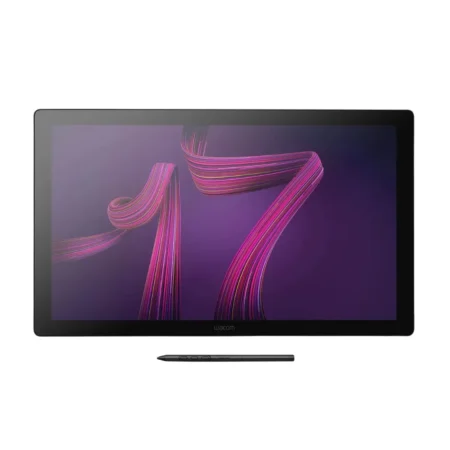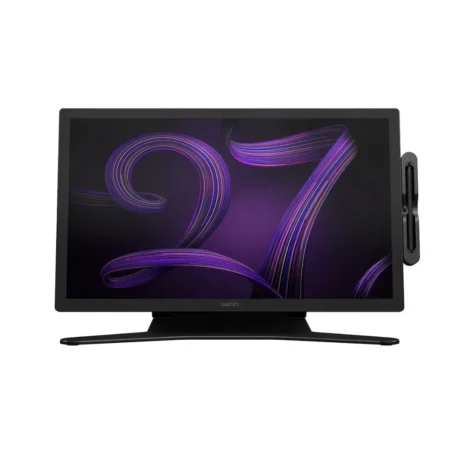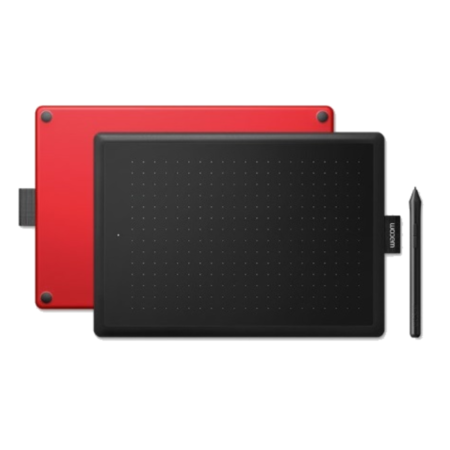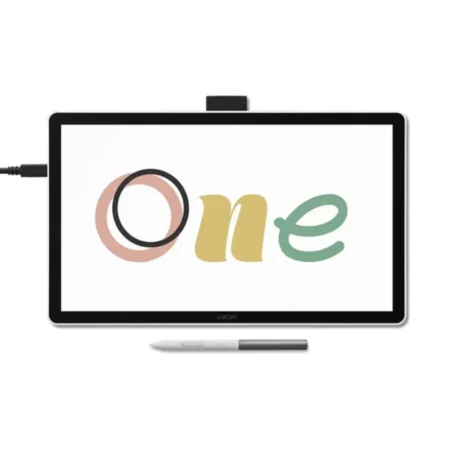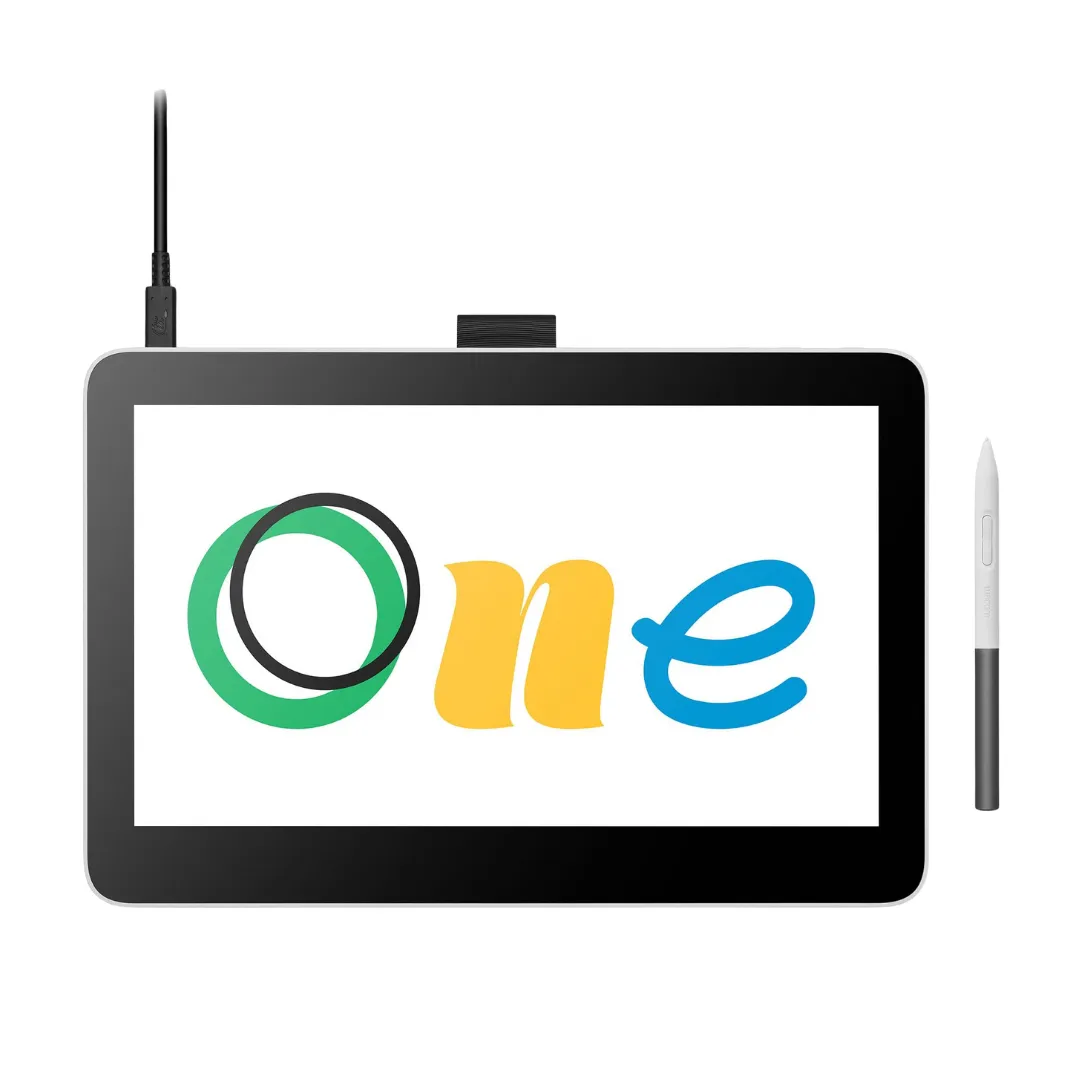
Wacom One 13 Touch (DTH134) Pen Display
The Wacom One 13 Touch is the affordable way to draw directly on a screen. It pairs a 13.3 inch Full HD IPS display covering sRGB 99% (CIE 1931, typ) with the battery-free Wacom One Standard Pen at 4,096 pressure levels, and adds multi-touch for navigating by hand.
- Model Code: DTH134
- Screen Size: 13.3 inch
- Display Resolution: 1920 x 1080 pixels
- Display Technology: IPS
- Active Area: 294 x 165 mm (11.6 x 6.5 in)
- Aspect Ratio: 16:9
- Colour Gamut: sRGB 99% (CIE 1931, typ)
- Display Colours: 16.7 million (8-bit x RGB = 24-bit)
- Contrast Ratio: 2000:1 (typ)
- Brightness: 320 cd/m2 (typ)
- Response Time: 19 ms (typ)
- Viewing Angle: 170 degrees (85/85 H, 85/85 V, typ)
- Pixel Pitch: 0.1530 (H) x 0.1530 (V) mm
- Surface: AG + AF glass, direct bonded
- Multi-Touch: Yes
- Pen: Wacom One Standard Pen, cordless and battery-free
- Pen Switches: 2 side switches
- Pen Pressure Levels: 4096
- Pen Tilt: 60 degrees
- Product Dimensions: 336 x 222 x 12 mm (13.2 x 8.7 x 0.5 in)
- Product Weight: 0.9 kg (1.9 lbs)
- Product Colour: White
- Warranty: 1 year
- Pen Resolution: 2540 lpi
The Wacom One 13 Touch is built for creative beginners, students and anyone who wants to draw on the screen rather than on a separate tablet. It connects to a computer and shows what is on it, so your pen and your artwork are in the same place.
The 13.3 inch IPS panel runs at 1920 x 1080 across a 294 x 165 mm (11.6 x 6.5 in) active area, covering sRGB 99% (CIE 1931, typ) with a 2000:1 (typ) contrast ratio. The AG and AF glass surface is direct bonded to the panel, which is what removes the gap between nib and cursor that makes cheap tablets feel wrong.
The Wacom One Standard Pen provides 4,096 pressure levels with 60-degree tilt support, two side switches and no battery to charge. This model adds multi-touch, so you can pan and zoom with your free hand while the pen stays on the artwork.
What is included with the Wacom One 13 Touch
The display ships with what is needed to connect it to a compatible computer.
- Wacom One 13 Touch pen display
- Wacom One Standard Pen
- Replacement nibs and nib remover
- Connection cable
- AC power adapter
- Quick Start Guide
- Warranty documentation
Designed for Creative Beginners and Students
- A 294 x 165 mm (11.6 x 6.5 in) active area, which is a genuine working canvas rather than a token one.
- sRGB 99% (CIE 1931, typ) colour coverage means colour decisions hold up reasonably well for screen-destined work.
- AG and AF glass cuts reflections and fingerprints – the two things that make a bright room unusable on a glossy screen.
- Direct bonding removes the parallax gap, so the line appears where you put the nib.
Draw Naturally with the Wacom One Standard Pen
- 4,096 levels of pressure sensitivity, enough for expressive line weight and opacity control.
- 60-degree tilt support so compatible applications respond to the angle of the pen.
- Two customisable side switches for shortcuts under your drawing hand.
- Cordless and battery-free, with nothing to charge and no battery to replace.
Work Faster with Multi-Touch
Multi-touch lets you pan, zoom and rotate the canvas with your free hand while the pen stays on the artwork.
On a 13-inch canvas you zoom often, and doing it by hand is considerably quicker than reaching for a keyboard each time.
Comfortable for Long Creative Sessions
At 0.9 kg (1.9 lbs) the Wacom One 13 Touch is light enough to move between a desk and a table, and it runs from a single connection to your computer plus power.
For extended sessions a stand makes a real difference to the working angle, and Wacom stands are available separately. We can quote one alongside the display.
Frequently Asked Questions
What is the Wacom One 13 Touch?
A 13.3 inch creative pen display with a Full HD IPS panel, sRGB 99% (CIE 1931, typ) colour coverage and the battery-free Wacom One Standard Pen at 4,096 pressure levels. Model code DTH134.
Does the Wacom One 13 Touch need a computer?
Yes. It is a pen display, not a standalone tablet. It shows what is on a connected Windows or Mac computer, and some models also work with selected Android devices – tell us your setup and we will confirm.
What is the screen size and resolution?
13.3 inch at 1920 x 1080, with a 294 x 165 mm (11.6 x 6.5 in) active drawing area.
Does it have touch?
Yes, this model supports multi-touch alongside the pen, so you can pan, zoom and rotate by hand.
Is the Wacom One good for beginners?
Yes. It is the most affordable way to draw directly on a screen and the pen experience is genuinely Wacom. It is the usual first pen display for students and hobbyists before a Cintiq.
Wacom One or a Cintiq?
Wacom One is the entry display; Cintiq is the professional line with larger, higher-specification panels and Pro Pen 3. If you are learning or drawing casually, Wacom One is the sensible spend.
How much does the Wacom One 13 Touch cost in the UAE?
Pricing moves with stock and quantity, and education orders are priced differently from a single unit. Request a quote for current UAE pricing.
Does the pen need charging or batteries?
No. The Wacom One Standard Pen is cordless and battery-free, powered by the display through electromagnetic resonance.
Do you supply and support this in the UAE?
Yes. We are an Authorized Wacom Solution Provider based in Dubai, supplying genuine stock with manufacturer warranty and handling setup and support ourselves.
Need this configured for your workflow?
Tell us what you sign, how often, and which system it lives in. We will specify the hardware, software and integration — with UAE pricing.