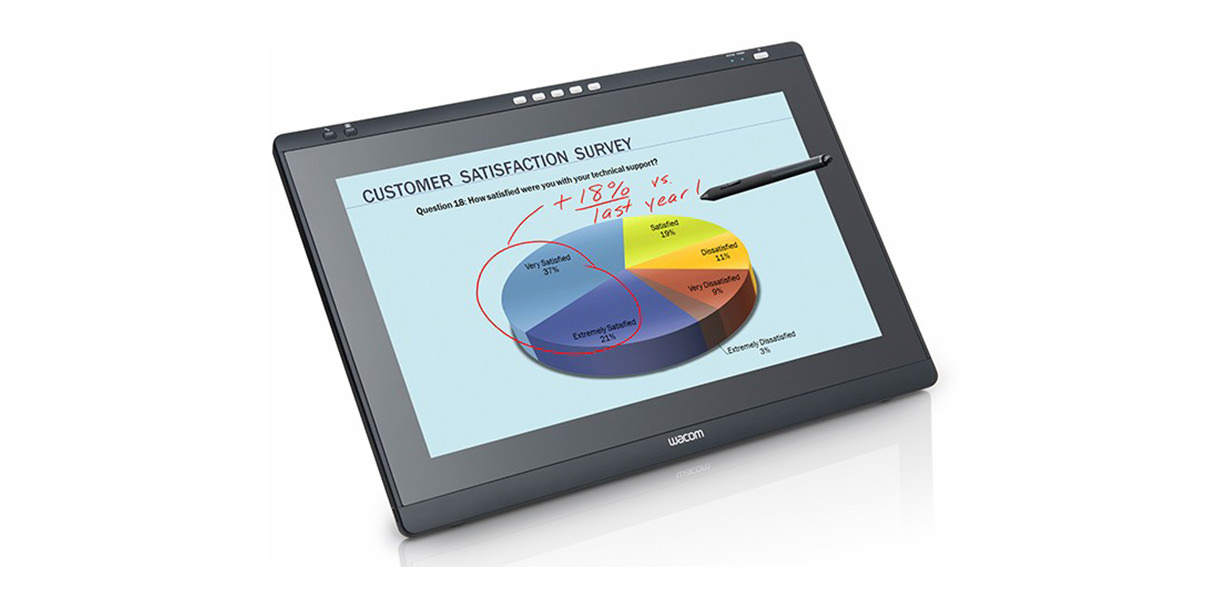
Wacom DTK-2241 Interactive Pen Display
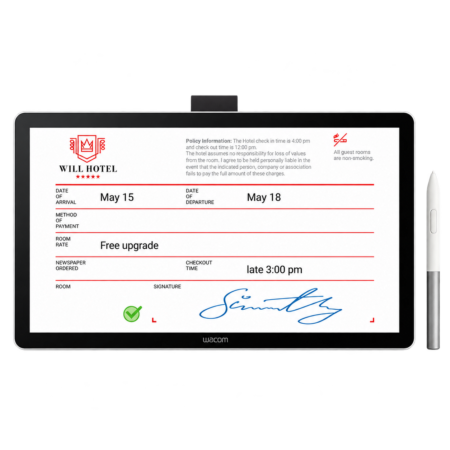
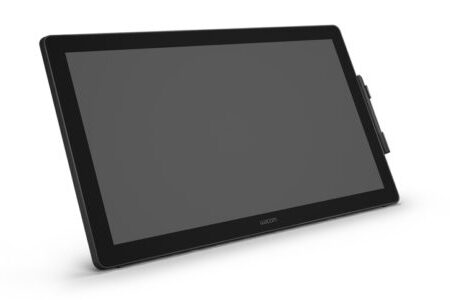
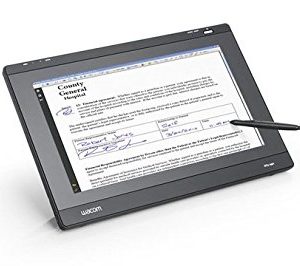
The Wacom DTK-2241 is a 21.5″ interactive pen display for eDocuments, education and healthcare. Successor to the DTU-2231, it offers improved pen performance, a sharper HD LCD with a wider viewing angle, and five programmable ExpressKeys for a faster workflow.
- Display Type: 21.5-inch HD LCD
- Viewing angle: Wide viewing angle panel
- Reading Technology: Electromagnetic Resonance (EMR)
- Pen: Cordless and battery-free
- Controls: Five programmable ExpressKeys
- Predecessor: Wacom DTU-2231
- 1 Year Warranty
Streamline your workflow and transition to a seamless, paperless environment with the Wacom DTK-2241 Interactive Pen Display. It is a premium communication tool where documents, presentations and annotation happen in front of an audience rather than one signer.
Both schools and universities and business institutions use it for dynamic, interactive presentations — the large screen means a room can follow what is being annotated in real time.
Five programmable ExpressKeys put frequently used functions under the operator’s free hand, which adds up over a long session. The application software of the Signature Set is sign pro PDF. The software allows electronic registration of handwritten signatures and their integration into PDF documents. The software not only records the signature image that is displayed on the tablet or screen, but also the non-visible biometric data such as pressure, travel and speed. Subsequently, the document and the signature can not be modified and are protected securely. Then, the document can be saved, printed or sent.
What’s included with Wacom DTK-2241
The Wacom DTK-2241 package includes everything needed to connect the device to a compatible computer and start setting up your digital signature workflow.
- Wacom DTK-2241 Interactive Pen Display
- Cordless and battery-free digital pen
- Connection cables
- Display stand
- Quick Start Guide
Large-Format Annotation and Signing
- At 21.5 inches, the DTK-2241 displays full documents and presentations at a size a group can read, while still accepting precise pen input for annotation and signing.
- Improved pen performance and a sharper HD panel over the DTU-2231 make extended annotation sessions more comfortable.
Built for Interactive Documents
- Five programmable ExpressKeys allow an intuitive workflow that benefits digital communication and presentations, keeping common actions one press away.
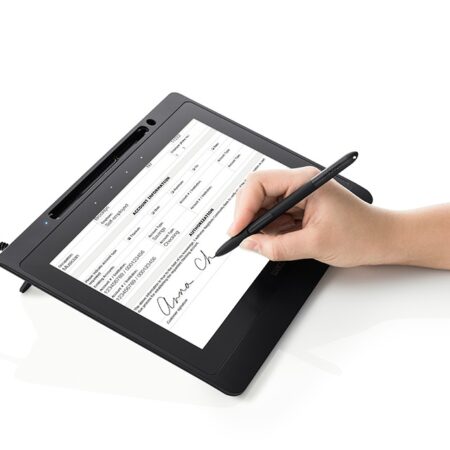
- If your requirement is signature capture at a counter rather than presentation, a DTU-series signing display or STU pad is the more economical fit.
Frequently Asked Questions
What is the Wacom DTK-2241?
A 21.5-inch interactive pen display for eDocuments, education and healthcare. Successor to the DTU-2231, it offers improved pen performance, a sharper HD panel with a wider viewing angle and five programmable ExpressKeys.
Who is it aimed at?
Schools, universities and business institutions running dynamic, interactive presentations, plus healthcare settings where documents and images are annotated in front of others. It is a communication tool more than a counter signing device.
What do the ExpressKeys do?
Five programmable keys put frequently used functions under your free hand, which meaningfully speeds up a long annotation or teaching session compared with reaching for a keyboard each time.
Is this the right choice for signature capture?
Usually not. At 21.5 inches it is built for presentation and group annotation. For signing at a counter a DTU signing display or STU pad is smaller, cheaper and better suited.
How does it compare with the DTH-2242?
Both are 21.5-inch class displays. The DTH-2242 adds touch alongside the pen for gesture navigation; the DTK-2241 is pen-driven with ExpressKeys. Choose on whether touch or physical shortcut keys suit your workflow.
Are signatures captured on it legally valid in the UAE?
Yes. Electronic signatures are recognised under the UAE Electronic Transactions and Trust Services Law (Federal Decree-Law No. 46 of 2021). The device supports compliance by capturing the biometric characteristics of the signature alongside the visible mark.
How do developers integrate it?
Through the Wacom Ink SDK for signature for capture inside your own application, or the sign pro PDF API where you want complete PDFs signed from an existing CRM, ERP or document system. The sign pro PDF application covers it with no development at all.
How much does the Wacom DTK-2241 cost in the UAE?
Ask us for a current quote. Pricing depends on quantity, bundled software and integration work, and we price hardware, software and development together with UAE delivery and local support.
Need this configured for your workflow?
Tell us what you sign, how often, and which system it lives in. We will specify the hardware, software and integration — with UAE pricing.