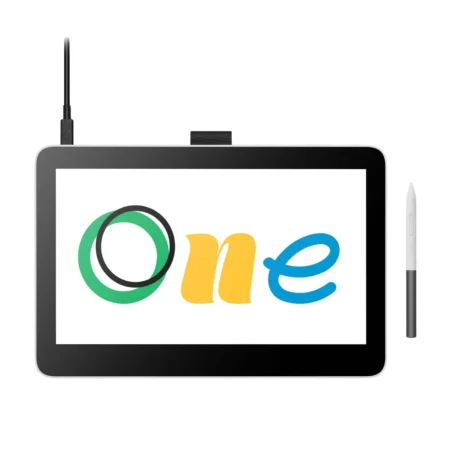
Wacom MobileStudio Pro 13 (DTHW1321HK0B) Pen Computer
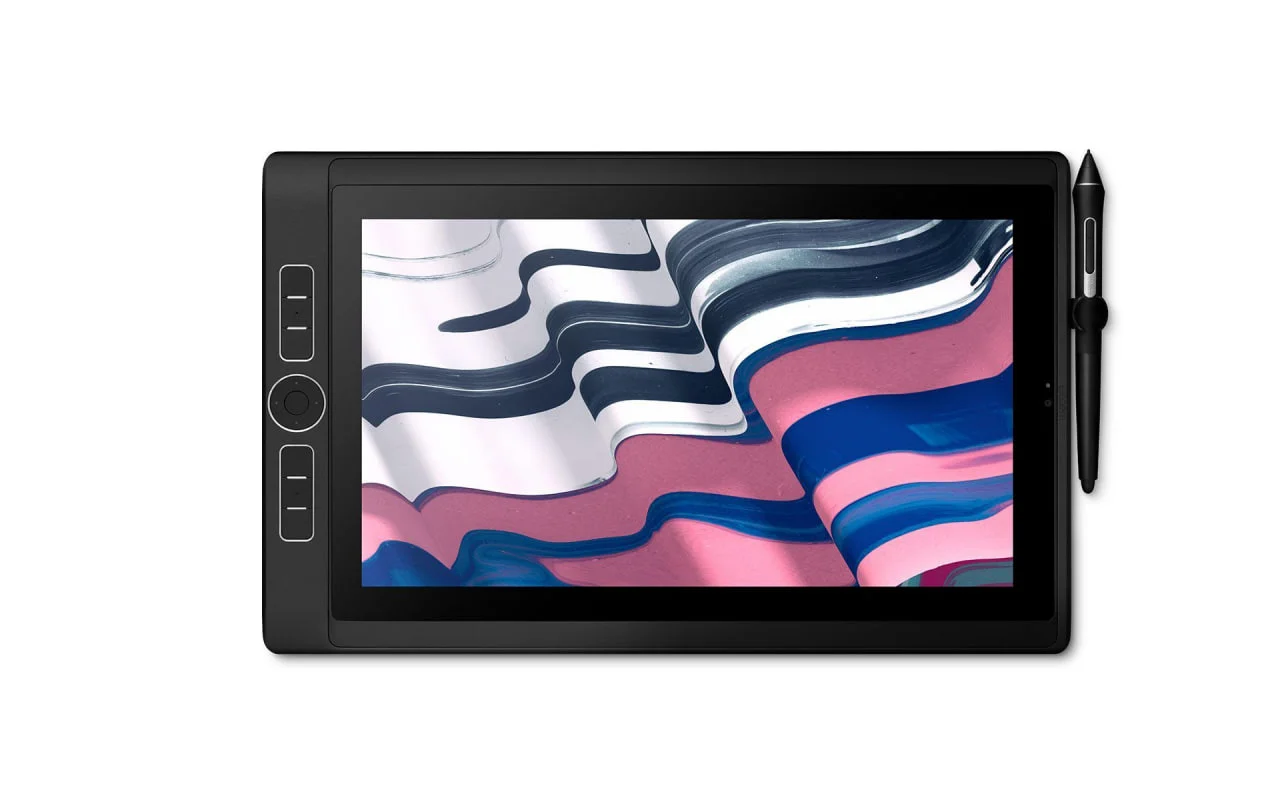
The Wacom MobileStudio Pro 13 is a standalone Windows pen computer, not a pen display. It has an Intel Core i7, a 512 GB SSD and a 13.3-inch 2560 x 1440 etched-glass screen with Wacom Pro Pen 2 at 8,192 pressure levels, and needs no host machine.
Model Code: DTHW1321HK0B
Device Type: Standalone Windows pen computer
Display Size: 13.3 in
Display Resolution: 2560 x 1440 pixels (WQHD)
Colour Gamut: 82% Adobe RGB
Surface: Etched glass with minimised parallax
Processor: Intel Core i7
Storage: 512 GB SSD
Pen: Wacom Pro Pen 2, cordless and battery-free
Pen Pressure Levels: 8,192
Multi-Touch: Yes
ExpressKeys: On-device customisable ExpressKeys
Connectivity: USB-C
Host Computer: Not required
Best For: Professionals who need a full creative workstation away from the desk
Almost every Wacom product needs a computer. The MobileStudio Pro 13 is the computer. It runs full Windows on an Intel Core i7 with a 512 GB SSD, so the applications you already licence run natively rather than in a cut-down tablet version.
The screen is a 13.3-inch 2560 x 1440 etched-glass panel with 82% Adobe RGB coverage and minimised parallax, and the pen is Wacom Pro Pen 2, battery-free with 8,192 pressure levels. Multi-touch and on-device ExpressKeys mean the whole workflow happens on one object with nothing plugged in.
It is the smaller of the two MobileStudio Pro models. The 15.6-inch MobileStudio Pro 16 (DTHW1621HK0B) covers the same idea with more screen and more performance headroom.
Why Specify This Device
A complete Windows workstation and pen display in one object, with no host machine and no cables.
Intel Core i7 and a 512 GB SSD, running the full desktop versions of your creative applications.
A 13.3-inch 2560 x 1440 etched-glass screen with 82% Adobe RGB coverage.
Wacom Pro Pen 2 at 8,192 pressure levels, cordless and battery-free.
Multi-touch and on-device ExpressKeys, so shortcuts travel with the device.
Sets up anywhere in under a minute, which is the whole point of it.
How It Differs From a Cintiq
A Cintiq is a display: it shows what a connected workstation is doing, and it stops working if that workstation is not there. The MobileStudio Pro contains the workstation. That is the entire distinction, and it is the reason to choose one over the other. If the work always happens at one desk, a Cintiq Pro gives more screen for the money. If the work moves, only the MobileStudio Pro moves with it.
MobileStudio Pro 13 or 16
The 13 is the one you carry without thinking about it. The 16 (DTHW1621HK0B) has a 15.6-inch screen and more performance headroom, and is the choice where the device replaces a desktop rather than supplementing one.
How We Supply It
eTOP Trading LLC is an Authorized Wacom Solution Provider based in Dubai. The MobileStudio Pro is a previous-generation line. Tell us the applications you need to run and whether the device has to replace a desktop or travel alongside one, and we will confirm what we can supply.
Frequently Asked Questions
What is the Wacom MobileStudio Pro 13?
It is a standalone Windows pen computer, model DTHW1321HK0B, with an Intel Core i7, a 512 GB SSD and a 13.3-inch 2560 x 1440 pen display with Wacom Pro Pen 2 at 8,192 pressure levels.
Does the MobileStudio Pro 13 need a computer?
No. It is the computer. It runs full Windows on its own hardware, which is what separates it from a Cintiq pen display.
What resolution is the screen?
2560 x 1440 pixels, which is WQHD.
What is the difference between the MobileStudio Pro 13 and 16?
The 16 (DTHW1621HK0B) has a larger 15.6-inch screen and more performance headroom. The 13 is the more portable of the two.
Can it run desktop creative applications?
Yes. It runs full Windows, so the desktop versions of your creative software run natively rather than as tablet apps.
Need this configured for your workflow?
Tell us what you sign, how often, and which system it lives in. We will specify the hardware, software and integration — with UAE pricing.