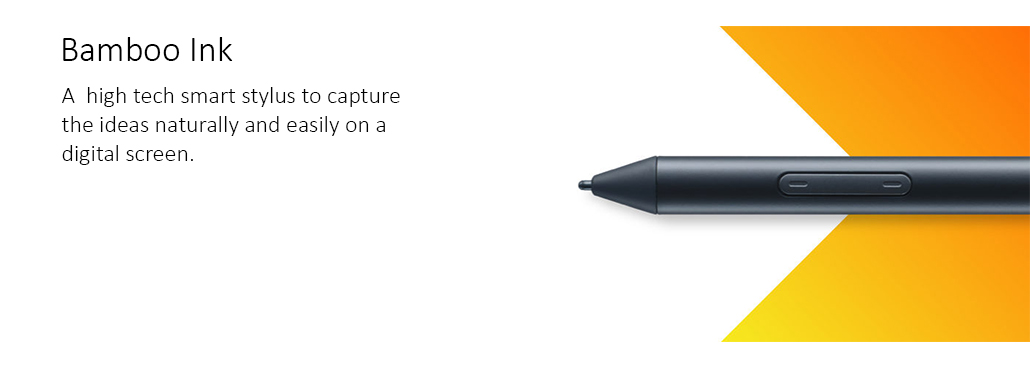
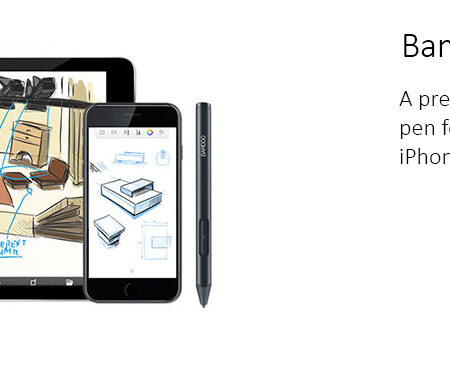
The Wacom Bamboo Ink is a pressure-sensitive smart stylus optimised for Windows Ink. Its top button launches the Windows Ink Workspace directly, and three interchangeable nib types let you set how the pen feels on glass.
Type: Active pressure-sensitive smart stylus
Optimised For: Windows Ink
Top Button: Launches Windows Ink Workspace or a pen-enabled app
Nib Types: Three supplied: soft, medium and firm
Pressure Sensing: Yes
Compatible With: A broad range of pen-enabled Windows devices
Works With: Sticky Notes, Sketchpad, Screen Sketch, Bamboo Paper and other pen-optimised apps
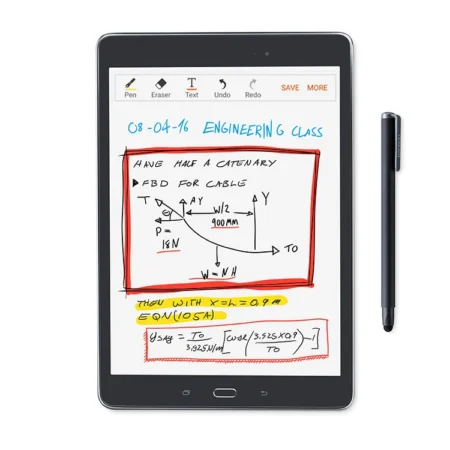
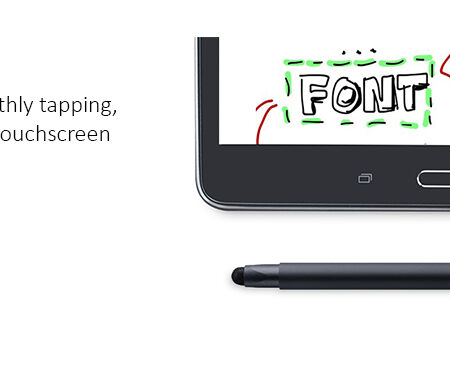
Best For: Note-taking, annotation and mark-up on a Windows touchscreen device
Bamboo Ink is the Windows counterpart to Wacom’s iOS pens. It is designed around Windows Ink: pressing the button on the top of the pen opens the Windows Ink Workspace, so a thought goes from your head to Sticky Notes or Sketchpad without hunting for an app first.
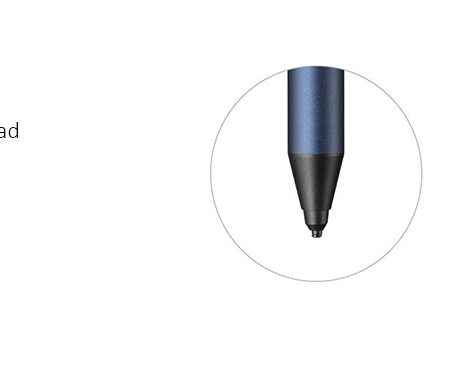
The detail that makes it feel like a pen rather than a plastic stick is the nibs. Three are supplied, soft, medium and firm, and they change how much the tip gives against the glass. Pressure sensing means annotation and signature strokes keep their weight instead of coming out uniform.
Why Specify This Stylus
Top button opens Windows Ink Workspace or a pen-enabled app directly.
Three nib types, soft, medium and firm, so the on-screen feel can be set to preference.
Pressure sensing, so annotation and handwriting keep their line weight.
Works across a broad range of pen-enabled Windows devices, not just one manufacturer.
What It Works With
Bamboo Ink is aimed at pen-enabled Windows touchscreen devices and the built-in Windows pen apps: Sticky Notes, Sketchpad and Screen Sketch, along with pen-optimised applications such as Bamboo Paper. Because pen support varies by device, it is worth confirming the specific machine before ordering.
How We Supply It
eTOP Trading LLC is an Authorized Wacom Solution Provider based in Dubai. Bamboo Ink is an earlier-generation accessory. Tell us the Windows devices it needs to work with and we will confirm compatibility and what we can supply.
Frequently Asked Questions
What is the Wacom Bamboo Ink?
It is a pressure-sensitive smart stylus optimised for Windows Ink, with a top button that launches the Windows Ink Workspace and three interchangeable nib types.
What does the top button do?
It launches the Windows Ink Workspace, or a pen-enabled app such as Sticky Notes, Sketchpad, Screen Sketch or Bamboo Paper.
What are the three nibs for?
Soft, medium and firm nibs change how much the tip gives against the screen, so you can set the writing feel you prefer.
Is Bamboo Ink pressure sensitive?
Yes. Pressure sensing means handwriting and annotation retain line weight rather than coming out uniform.
Will it work with my Windows laptop?
It works with a broad range of pen-enabled Windows devices, but pen support varies by machine, so confirm the specific model before ordering.
Need this configured for your workflow?
Tell us what you sign, how often, and which system it lives in. We will specify the hardware, software and integration — with UAE pricing.