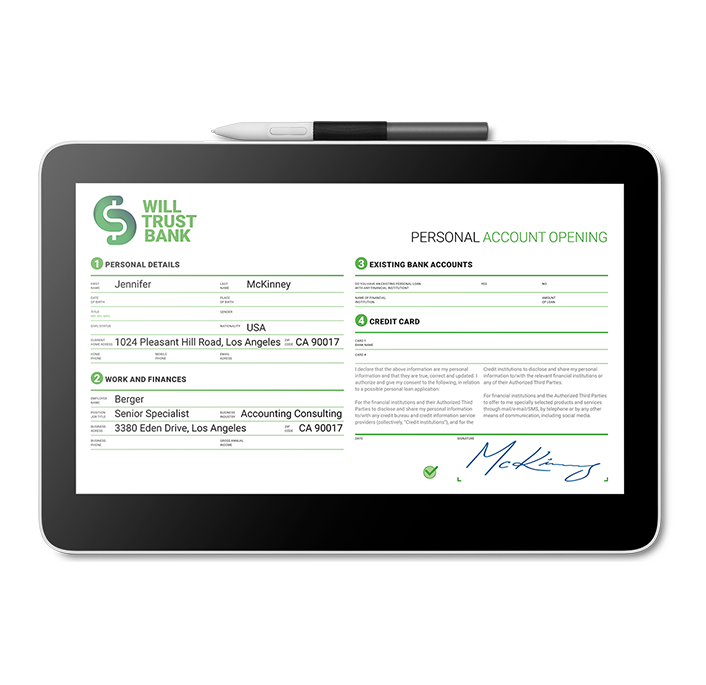
Wacom DTH134 Signature Display 13
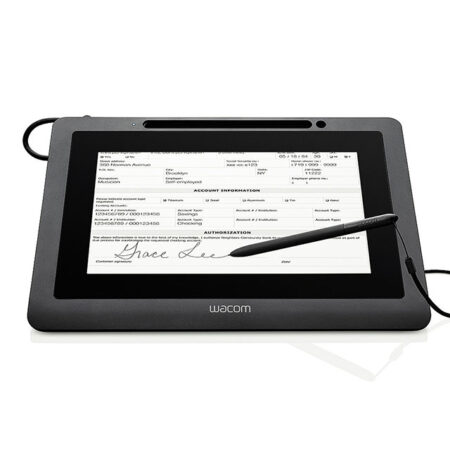
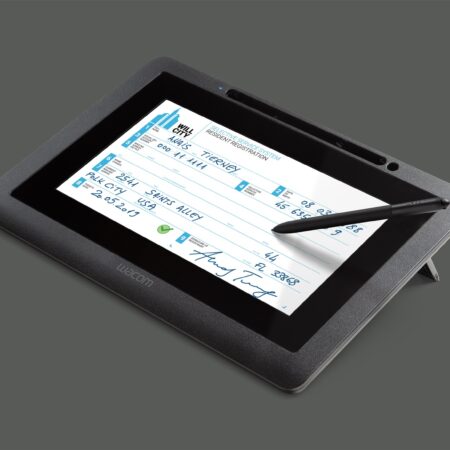
The Wacom DTH134 is a 13.3-inch signature display for signing longer documents on screen. The larger panel suits contracts and consent forms where the signer needs to see more of the page at once.
- Screen Size: 13.3 in
- Display Type: Colour LCD
- Pressure Levels: 1024
- Interface: USB
- Encryption: Supported
- Best For: Longer documents where more of the page must be visible while signing
Streamline your workflow and transition to a seamless, paperless environment with the Wacom DTH134 Signature Display 13. Built for digital document signing, form filling and annotation where the signer benefits from a larger screen and the ability to navigate by touch.
The spacious, vivid, touch-enabled 13.3-inch Full HD LCD gives an optimal experience for reviewing longer documents, while USB charging ensures a clutter-free working environment.
Touch input alongside the pen makes scrolling and zooming through a contract natural for customers who are used to a smartphone. The application software of the Signature Set is sign pro PDF. The software allows electronic registration of handwritten signatures and their integration into PDF documents. The software not only records the signature image that is displayed on the tablet or screen, but also the non-visible biometric data such as pressure, travel and speed. Subsequently, the document and the signature can not be modified and are protected securely. Then, the document can be saved, printed or sent.
What’s included with Wacom DTH134
The Wacom DTH134 package includes everything needed to connect the device to a compatible computer and start setting up your digital signature workflow.
- Wacom DTH134 Signature Display
- Cordless and battery-free digital pen
- USB cable
- Quick Start Guide
Read, Annotate and Sign Full Documents
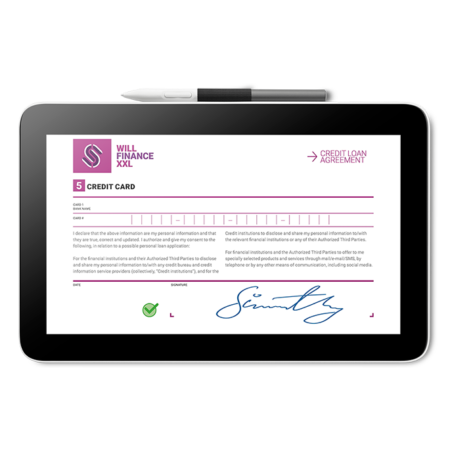
- At 13.3 inches and Full HD, the DTH134 shows a full-size page clearly, so customers can read terms, fill in fields and sign in a single place without printing anything.
- Pen and touch together mean the signer can scroll and zoom with a finger, then switch to the pen for precise field entry and signing.
Built for Secure Electronic Signatures
- Security is a key part of the design. The display supports state-of-the-art encryption so signing transactions stay protected from the moment the signature is captured.
- Choose the DTH134 where document length or customer comfort justifies the larger touch screen. The DTC121 is the smaller, more economical alternative.
Frequently Asked Questions
What is the Wacom DTH134 Signature Display 13?
A 13.3-inch Full HD signing display with pen and touch input, USB power and built-in encryption. The larger touch-enabled screen suits document signing, form filling and annotation in any business application.
Why does touch matter on a signing display?
Customers already know how to scroll and zoom with a finger. Touch lets them navigate a long contract naturally, then switch to the pen for precise field entry and signing — which reduces hesitation at the counter.
DTH134 or DTC121 — what is the difference?
Size and input. The DTH134 is 13.3 inches with pen and touch; the DTC121 is 11.6 inches and pen only. Choose the DTH134 where documents are long or customer comfort justifies the larger screen, the DTC121 where budget leads.
How is it powered?
Over USB, which keeps the working environment clutter-free with a single cable to the host computer rather than a separate power supply.
Why choose a signing display over a signature pad?
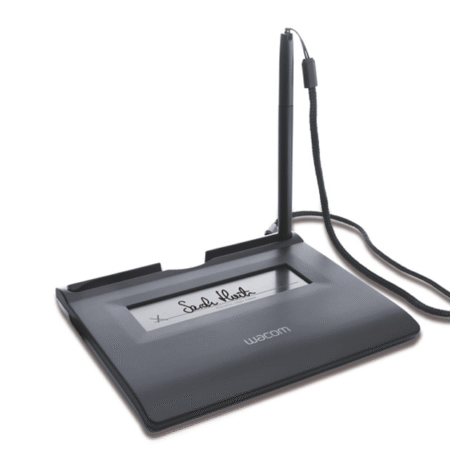
A signature pad shows the signing area, not the document. A signing display shows the whole page, so the customer reads what they are agreeing to on the same screen they sign on. If your documents are read elsewhere — on paper or a monitor — an STU pad is smaller and considerably cheaper.
Are signatures captured on it legally valid in the UAE?
Yes. Electronic signatures are recognised under the UAE Electronic Transactions and Trust Services Law (Federal Decree-Law No. 46 of 2021). Signing displays support compliance by capturing the biometric characteristics of the signature alongside the visible mark.
How do developers integrate it?
Through the Wacom Ink SDK for signature for capture inside your own application, or the sign pro PDF API where you want complete PDFs signed from an existing CRM, ERP or document system. If you would rather avoid development entirely, the sign pro PDF application handles it as installed software.
How much does the Wacom DTH134 cost in the UAE?
Ask us for a current quote. Pricing depends on quantity, whether a sign pro PDF licence is bundled and any integration work, and we price hardware, software and development as one figure with UAE delivery and local support.
Need this configured for your workflow?
Tell us what you sign, how often, and which system it lives in. We will specify the hardware, software and integration — with UAE pricing.