
Every Wacom drawing tablet, pen display and pen computer we supply in the UAE, grouped by family and ordered largest to smallest. Cintiq Pro and Cintiq are pen displays you draw directly onto. Intuos Pro and Intuos are pen tablets that pair with the monitor you already own. Wacom One is the affordable way into drawing on screen, and MovinkPad is a standalone tablet for working away from a desk. Pick a model for its full specification, or tell us what you create and we will match one to your software and budget.
Cintiq Pro
The professional pen display line — the largest panels, the best colour accuracy, and the models specified for full-time studio work. Sizes run from 32 inches down to 13.
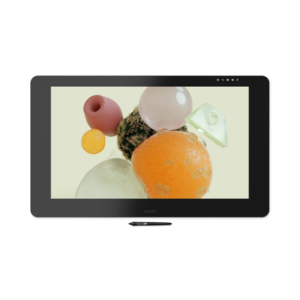 Cintiq Pro 32
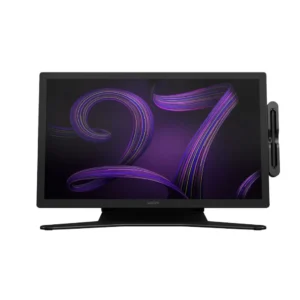 Cintiq Pro 27
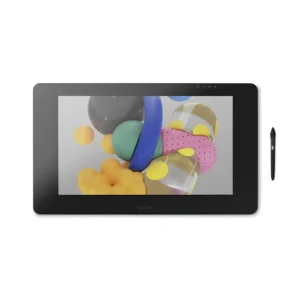 Cintiq Pro 24
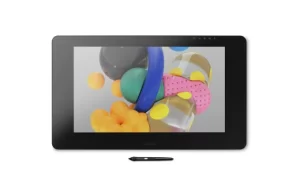 Cintiq Pro 24 Touch
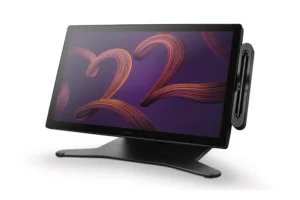 Cintiq Pro 22
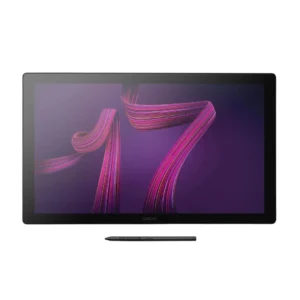 Cintiq Pro 17
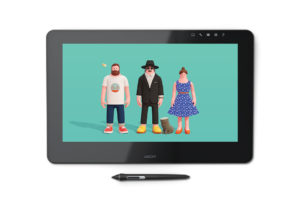 Cintiq Pro 16
Cintiq
The standard Cintiq range. Same draw-on-screen experience as Cintiq Pro at a lower specification and price — the sensible choice for serious work that does not need reference-grade colour.
 Cintiq 27QHD Touch
 Cintiq 27QHD
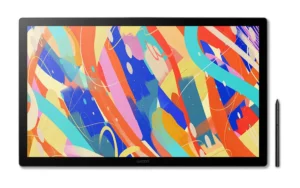 Cintiq 24 Touch
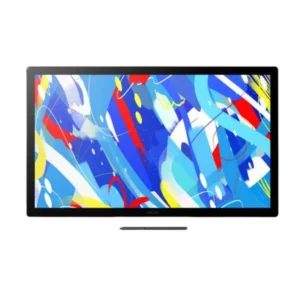 Cintiq 24 (DTK246)
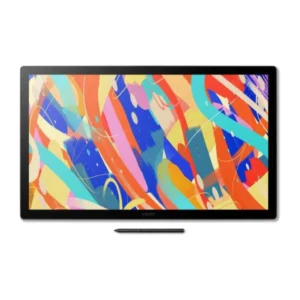 Cintiq 24 (DTK246E)
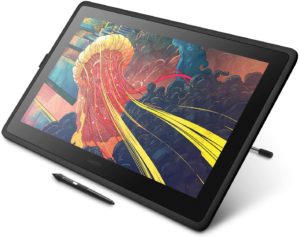 Cintiq 22HD TouchCintiq 22HD
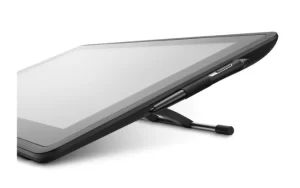 Cintiq 22 (DTK2260)
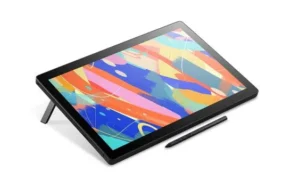 Cintiq 16
 Cintiq 13HD
Intuos Pro
Professional pen tablets. No screen of their own — you draw on the tablet while watching your monitor — which buys you Wacom’s best pen precision for far less than a display. Large, Medium and Small, with Paper Edition variants that capture real pen-on-paper strokes.
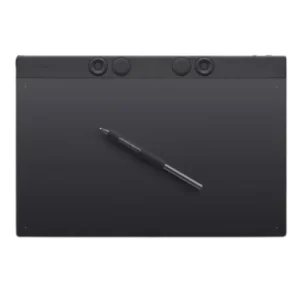 Intuos Pro Large (PTK870)
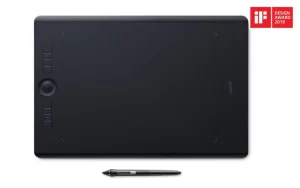 Intuos Pro Large (PTH-860)
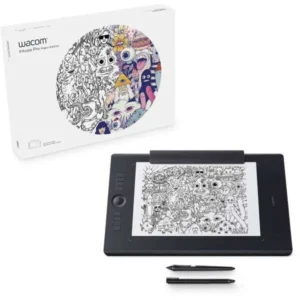 Intuos Pro Large Paper
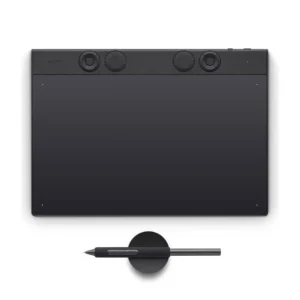 Intuos Pro Medium (PTK670)
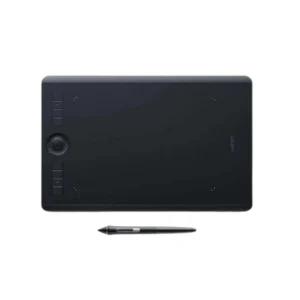 Intuos Pro Medium (PTH-660)
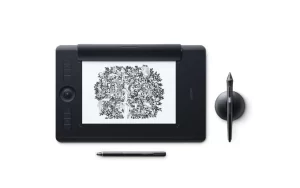 Intuos Pro Medium Paper (PTH-660P)
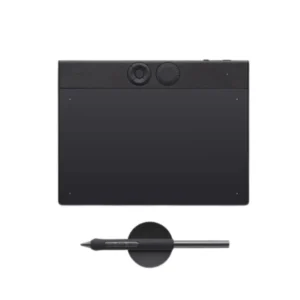 Intuos Pro Small (PTK470)Intuos Pro Small (PTH460)
Intuos
The entry pen tablets. Light, straightforward and the usual first Wacom for students and hobbyists, in Medium and Small with wired or Bluetooth options.
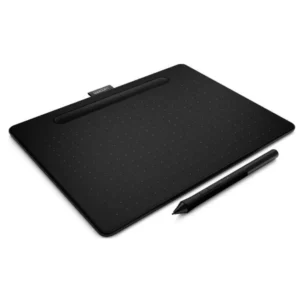 Intuos M Bluetooth Black
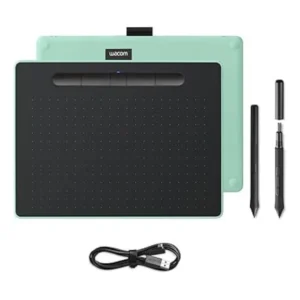 Intuos M Bluetooth Pistachio
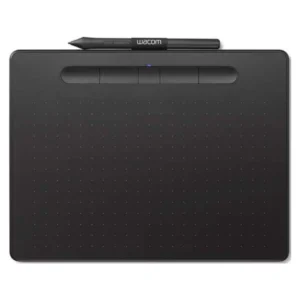 Intuos M Black
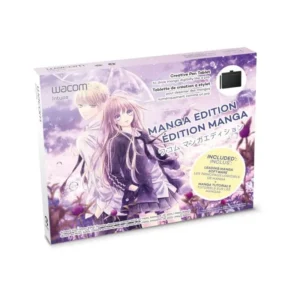 Intuos S Manga Edition
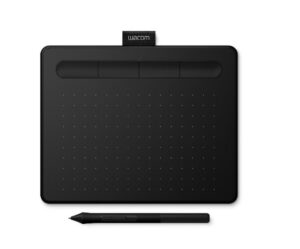 Intuos S Bluetooth Black
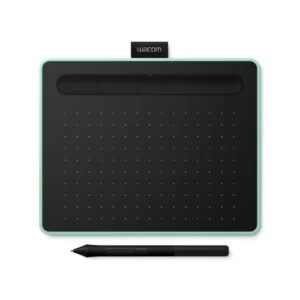 Intuos S Bluetooth Pistachio
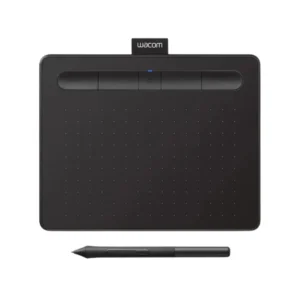 Intuos S Black
Wacom One
The most affordable route to drawing directly on a screen, plus the One pen tablets. Built for beginners and students without giving up the pen feel that makes a Wacom worth having.
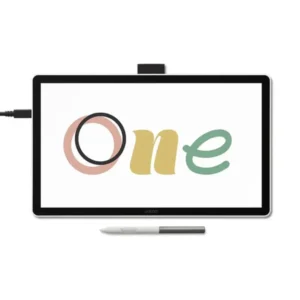 Wacom One 14
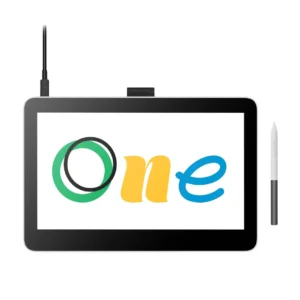 Wacom One 13 Touch
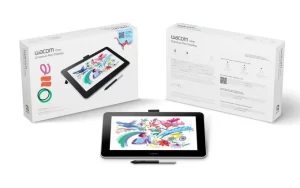 Wacom One 13
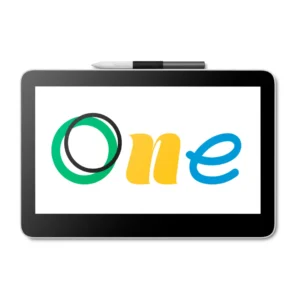 Wacom One 12
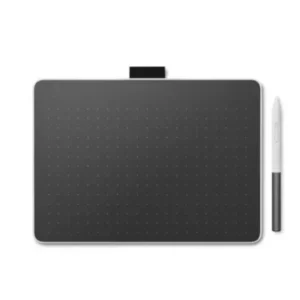 Wacom One M Pen Tablet
 Wacom One S Pen Tablet
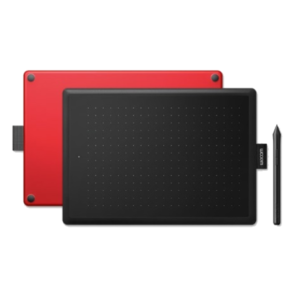 One by Wacom
MovinkPad
Standalone Android tablets with a Wacom pen built in. No host computer needed, which makes them the option for drawing on site, in class or in transit.
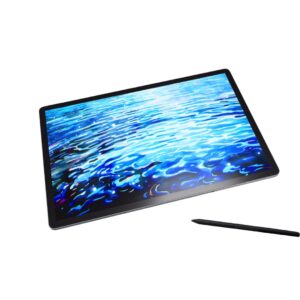 MovinkPad 14
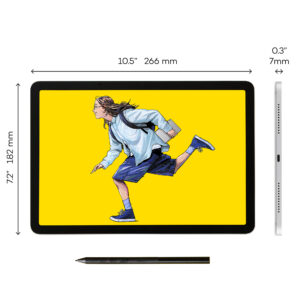 MovinkPad 11
Which Family Should You Buy?
Most buying mistakes come from choosing the wrong family rather than the wrong model within it. This is the short version.
| Consideration | Intuos / Intuos Pro | Wacom One | Cintiq / Cintiq Pro | MovinkPad |
|---|---|---|---|---|
| Where you look | At your monitor | At the device | At the device | At the device |
| Screen built in | No | Yes | Yes | Yes |
| Needs a computer | Yes | Yes | Yes | No |
| Learning curve | A few hours to adapt | Immediate | Immediate | Immediate |
| Typical buyer | Students, hobbyists, working illustrators | Beginners and students | Studios and full-time professionals | Anyone working away from a desk |
| Relative cost | Lowest | Low to middle | Highest | Middle |
Intuos / Intuos Pro
- Where you look
- At your monitor
- Screen built in
- No
- Needs a computer
- Yes
- Learning curve
- A few hours to adapt
- Typical buyer
- Students, hobbyists, working illustrators
- Relative cost
- Lowest
Wacom One
- Where you look
- At the device
- Screen built in
- Yes
- Needs a computer
- Yes
- Learning curve
- Immediate
- Typical buyer
- Beginners and students
- Relative cost
- Low to middle
Cintiq / Cintiq Pro
- Where you look
- At the device
- Screen built in
- Yes
- Needs a computer
- Yes
- Learning curve
- Immediate
- Typical buyer
- Studios and full-time professionals
- Relative cost
- Highest
MovinkPad
- Where you look
- At the device
- Screen built in
- Yes
- Needs a computer
- No
- Learning curve
- Immediate
- Typical buyer
- Anyone working away from a desk
- Relative cost
- Middle
Stylus Pens and Accessories
The Bamboo stylus range covers sketching, mark-up and handwritten notes across compatible Wacom devices, alongside the Ballpoint and Finetip pens for Intuos Pro that write on real paper while capturing the stroke digitally. Stands, ergonomic arms and VESA mounts for the larger Cintiq displays are listed there too.
Browse all stylus pens, stands and accessories →
Why Choose Wacom Drawing Pads
We are an Authorized Wacom Solution Provider based in Dubai, supplying genuine Wacom hardware in the UAE with full manufacturer warranty. Our technicians handle setup, driver configuration and after-sales support, and we can specify deployments for studios, universities and design teams rather than simply shipping a box. If you need supply outside the UAE, ask us and we will tell you honestly what we can cover.
- Industry-leading pen precision and pressure sensitivity
- Specified for artists, architects, animators and educators
- Works with Windows and macOS, and selected models with Android
- Built to survive years of daily creative work
Request a Quote
Tell us what you create, which software you use and whether this is for one person or a team. We will come back with the model, the accessories worth having, and UAE pricing.
Frequently Asked Questions
Which Wacom drawing tablet is best for a beginner?
Start with an Intuos if budget matters most, or a Wacom One if you would rather draw directly on a screen from day one. Both are light, quick to set up, and work with Photoshop, Illustrator, CorelDRAW and Clip Studio Paint without any special configuration. Neither will limit you while you are learning.
What is the difference between Cintiq and Cintiq Pro?
Both let you draw directly on the screen. Cintiq Pro adds higher resolution, wider colour coverage and larger panel options, which matters when colour has to be right for a client. If you are not colour-critical, a standard Cintiq gives you the same drawing experience for considerably less.
What is the difference between Cintiq and Intuos?
A Cintiq has its own screen, so your pen and your artwork are in the same place. An Intuos has no screen — you draw on the tablet while watching your monitor. The Intuos gives you the same pen precision for considerably less money, at the cost of a short adjustment period. Cintiq is what most full-time professionals end up on.
Does a MovinkPad need a computer?
No. MovinkPad is a standalone Android tablet with a Wacom pen, so it runs creative apps on its own. Every other family on this page is a peripheral that needs a Windows or Mac host.
Do these work with Windows and macOS?
Yes. Intuos, Wacom One and Cintiq all support Windows and macOS. Some models also connect to selected Android devices, and a few work with Chromebooks — that varies by model, so tell us what you are running and we will confirm the specific combination before you buy.
Will it work with Photoshop or Illustrator?
Yes, and with CorelDRAW, Clip Studio Paint, Krita, Blender, ZBrush and anything else that accepts pen pressure. Support works at driver level rather than per application, so pressure, tilt and the express keys behave consistently across your software.
How do I know the tablet is genuine?
Buy through an authorised channel. Genuine stock carries the full manufacturer warranty, genuine pens and nibs, and a serial number Wacom will recognise if you ever need to claim. Grey-market hardware often looks identical and then fails the warranty check at the worst possible moment.
Do you provide warranty and support in the UAE?
Yes. Everything we supply comes with manufacturer warranty cover, and we handle setup, driver configuration and troubleshooting ourselves rather than pointing you at a support line abroad. For studios and universities we will also help specify the whole deployment.
How much does a Wacom drawing tablet cost in the UAE?
The range is wide — an entry Intuos and a 32-inch Cintiq Pro are different orders of magnitude. Ask us for a current quote and mention quantity, because education and studio pricing differs from a single unit.
Not sure which family fits? Tell us what you draw, what software you use and what you are working on now — request a consultation and we will recommend a model with UAE pricing, not just a catalogue link.