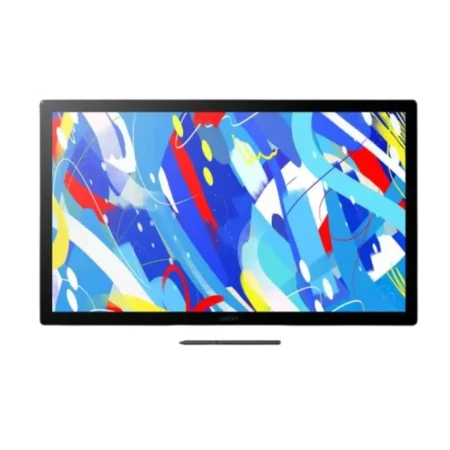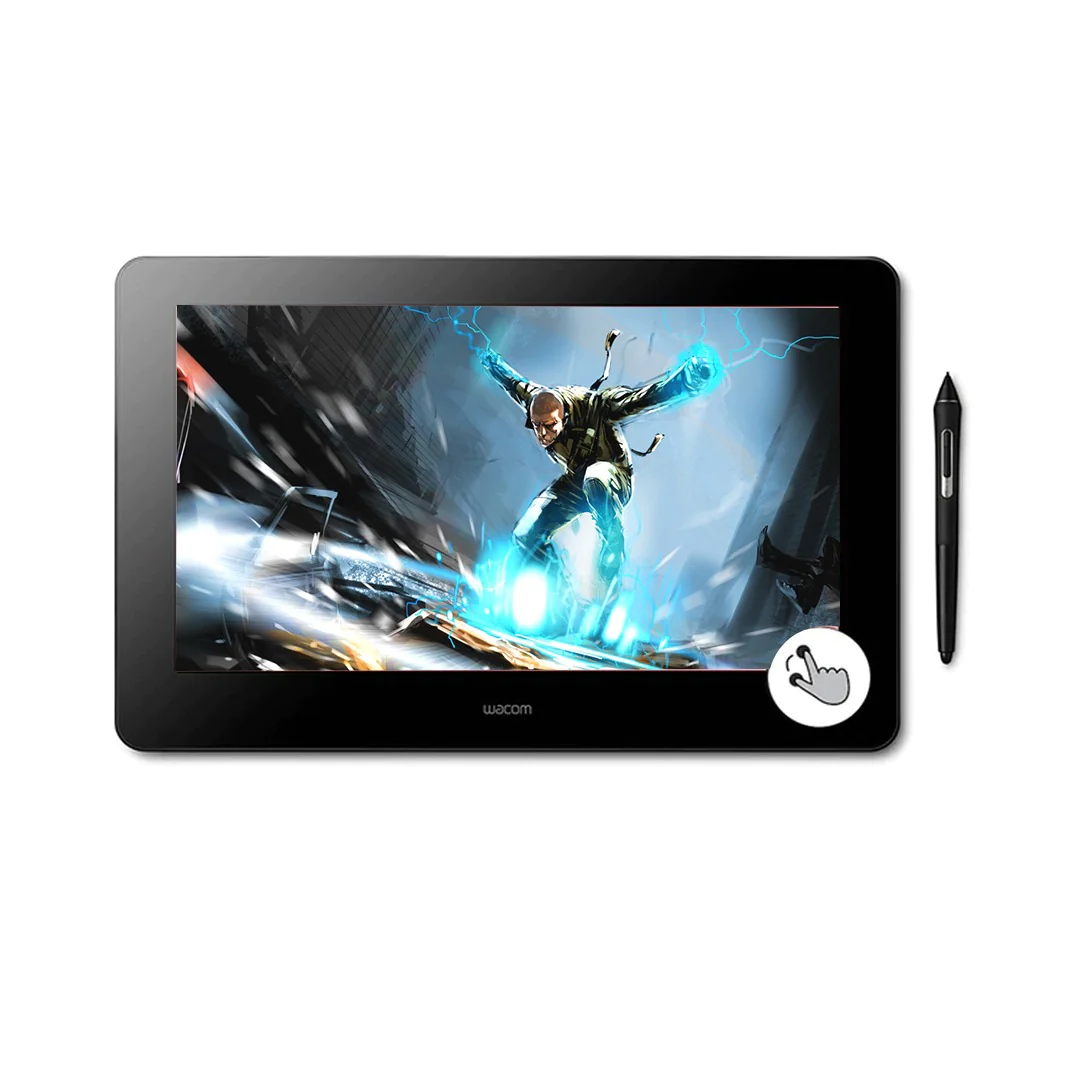
WACOM DTH167K0B Wacom Cintiq Pro 16 (2021)
Wacom Cintiq Pro 16 continues to offer premium and advanced features and technologies that help customers to boost productivity. Such features include Wacom’s best-in-class pen-on-screen experience and high-quality panel to
provide 4K resolution experience and extended color management capability.
In addition the new Wacom Cintiq Pro 16 comes with enhanced comfort and control features based on user feedback:
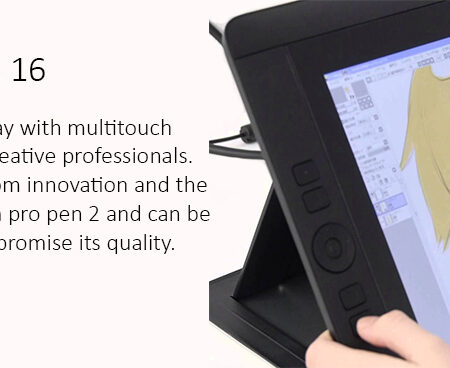
• 8 physical ExpressKeys placed at the rear edge of the display:
No compromise on screen size and easy access by gripping the side of the product body
• Physical on/off switch for multi-touch: No accidental touch behavior
• Improved connectivity: easy and stable connection with HDMI & USB-C
- for professional artists and designers
- to get a brilliant pen-on-screen creative experience that feels natural, with enhanced comfort and control.
- •because it offers our most natural pen performance, and is the result of many improved ergonomics.
- Wacom Cintiq Pro 16 use cases are:
- Photo & video editing
- Painting, Drawing & Illustration
- Game & Web design
- Graphic design
- Comic / Manga
General Specifications
-
Specification
. Resolutions- 3840*2160 (4K)
. Color Gamut-98 % Adobe RGB(CIE1931)Typical
. Multi touch-Yes
. Surface-Anti-Glare etched glass(enables use of felt nibs)
. Industrial Design- Edge-to-edge Glass
. Connectyvity-1.USB & power cable.
2.HDMI+USB-C to A cable & power cable. Physical built in Express keys-8(4 on each rear edge of the display)
. Professional color management- Yes(with Optional wacom color Manager)
. Multi touch on/off- Physical switch
Does an electronic handwritten signature satisfy legal requirements?
- In most European countries, the USA, and a growing number of countries around the world, legislation is in place to encourage the rapid adoption of electronic signatures and reduce the use of antiquated paper method
- The following acts reinforce the validity of electronic agreements.
- 2000 U.S. Electronic Signatures in Global and National Commerce Act (ESIGN)
- Uniform Electronic Transactions Act (UETA)
- European Directive (EC/1999/93)
- For example, ESIGN states that a contract “may not be denied legal effect, validity, or enforceability solely because an electronic signature or electronic record was used in its formation.”
Is scanning a paper signature the same as an electronic handwritten signature?
What are the advantages of the handwritten signature compared to card and PIN based methods?
- An individual’s signature cannot be lost or stolen like a card can be
- It is impossible to forget one’s signature, unlike a PIN
- Signatures cannot be disclosed to third parties
- Signatures are always given deliberately, where cards and disclosed PINs may be used without consent
- Signatures are considered suitable for authenticating declarations of intent
- Signing with a pen is a familiar and customary process
Need this configured for your workflow?
Tell us what you sign, how often, and which system it lives in. We will specify the hardware, software and integration — with UAE pricing.