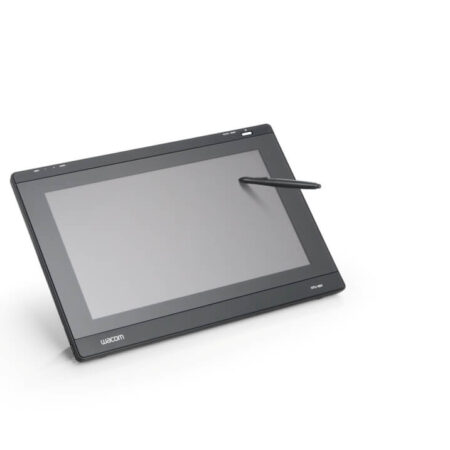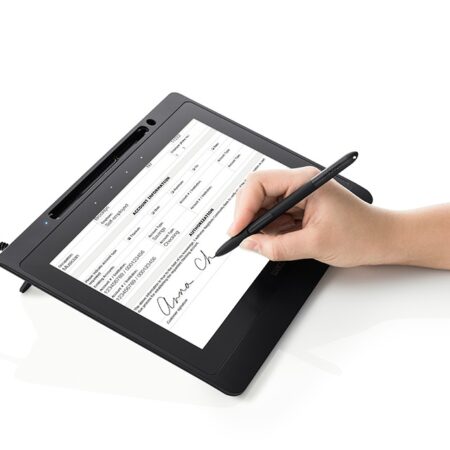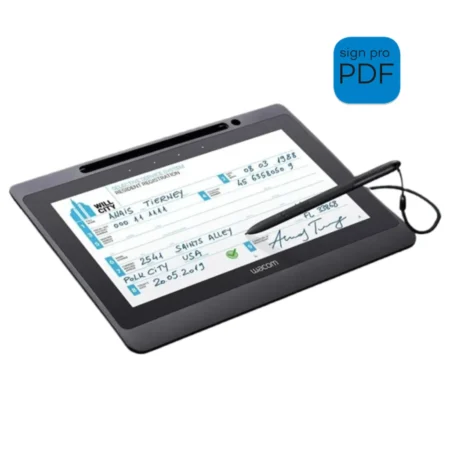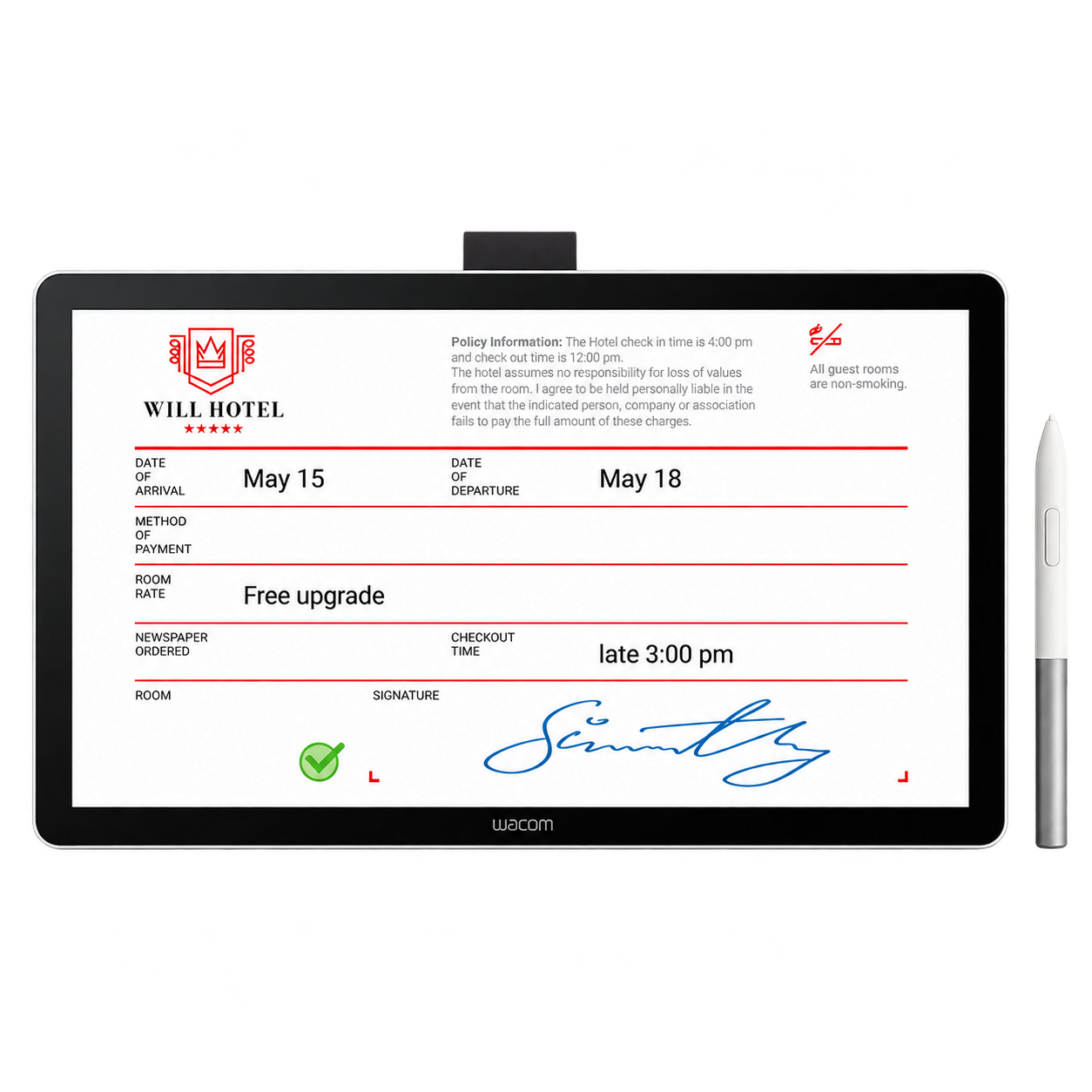
Wacom DTH142E 14-inch Pen & Touch Signature Display
The Wacom DTH142E brings document review, touch navigation and handwritten signing together on a slim 14-inch Full HD business display. It connects to a host computer and uses a battery-free Wacom EMR pen.
- 14-inch IPS, 1920 × 1080 Full HD
- 10-finger touch with on/off slider
- 4,096-level battery-free EMR pen
- USB-C DisplayPort Alt Mode or HDMI + USB-A
- Anti-glare, anti-fingerprint glass
One screen for reviewing and signing documents
The Wacom DTH142E is a 14-inch pen-and-touch display designed for customer-facing digital document workflows. A customer can read a form on the Full HD screen, navigate it with touch and sign with Wacom’s battery-free EMR pen. The connected computer and signing application manage the document; the display does not store it.
Why choose the DTH142E?
- Room to read: 14.0-inch IPS display with 1920 × 1080 resolution, anti-glare and anti-fingerprint cover glass.
- Touch plus handwriting: projected-capacitive 10-finger touch, a touch on/off slider and a battery-free pen with 4,096 pressure levels.
- Flexible connection: use a USB-C host port with DisplayPort Alt Mode, or connect video through HDMI and pen/touch data through USB-A. Power requirements depend on the host connection.
- Counter-ready hardware: an 11 mm profile, 780 g weight, Kensington NanoSaver slot and the included cover stand.
Wacom DTH142E specifications
| Model | DTH142E |
|---|---|
| Display | 14.0-inch IPS LCD; 1920 × 1080 Full HD; 60 Hz |
| Active area | 309 × 174 mm |
| Cover glass and colour | Anti-glare and anti-fingerprint; 98% sRGB (typical) |
| Brightness and contrast | 270 cd/m²; 1000:1 |
| Pen | Battery-free Wacom EMR; 4,096 pressure levels; 60° tilt |
| Touch | Projected capacitive, up to 10 fingers; touch on/off slider |
| Connections | 2 × USB-C; 1 × mini-HDMI; DisplayPort over USB-C or HDMI video |
| Dimensions and weight | 336 × 201 × 11 mm; 780 g |
| Security features | AES-256 / RSA-2048 listed by Wacom; Kensington NanoSaver lock slot |
| Host systems | Windows 10 or later; macOS 13 or later. Check the current Wacom driver and your application before deployment. |
Connections and software
For a computer with a video-capable USB-C port, the supplied USB-C cable can carry display and input signals; available power must also meet Wacom’s requirements. Computers using HDMI need the supplied mini-HDMI-to-HDMI cable for the picture, USB-A-to-USB-C for pen and touch data, and the AC adapter. Install the current Wacom driver for full functionality.
Wacom lists the display as compatible with its signature software and SDK. The signing application determines how documents and signature data are saved; software licences are separate from the display unless they are specified in a quotation.
Included with the display
Wacom lists a Wacom One Standard Pen, cover stand, USB-C-to-C cable, USB-C-to-A cable, mini-HDMI-to-HDMI cable, AC adapter, pen tether, three replacement nibs, nib removal tool and setup documents.
Frequently Asked Questions
Is the DTH142E a signature pad?
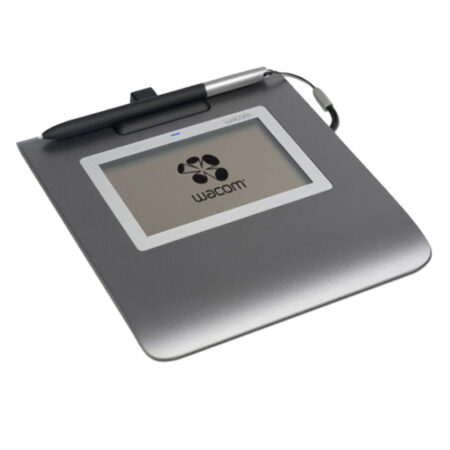
It is a pen-and-touch display. Unlike a compact signature pad, its 14-inch screen can show a document for reading, navigation, annotation and signing.
Does the pen need charging?
No. Wacom specifies a battery-free EMR pen with 4,096 pressure levels.
Can customers navigate documents by touch?
Yes. The display supports up to 10-finger touch, and a slider can switch touch off when a workflow should use pen input only.
What must the computer support?
A USB-C port with DisplayPort Alt Mode is the simplest video route. Alternatively, use HDMI for video and USB-A for pen and touch data, with the AC adapter. Check the current Wacom driver and signing software against the host before deployment.
Does it store signed documents?
No. Wacom’s datasheet says the display has no built-in memory or storage. The connected computer and signing application handle documents and records.
Is signing software included?
The display is compatible with Wacom signature software and development tools, but a software licence should only be assumed if it is included in your quotation.
Need this configured for your workflow?
Tell us what you sign, how often, and which system it lives in. We will specify the hardware, software and integration — with UAE pricing.