Wacom MovinkPad Pro 14 (DTHA140) Portable Pad
The Wacom MovinkPad Pro 14 is the flagship standalone drawing tablet: a 14-inch OLED screen covering 100% DCI-P3, Wacom Pro Pen 3, and a Snapdragon 8s Gen3 with 12 GB memory and 256 GB storage running Android 15. No computer required.
- Model Code: DTHA140
- Product Type: Portable Pad – standalone, no computer required
- Screen Size: 14.0 in (35.6 cm)
- Display Resolution: 2880 x 1800 pixels
- Display Technology: OLED
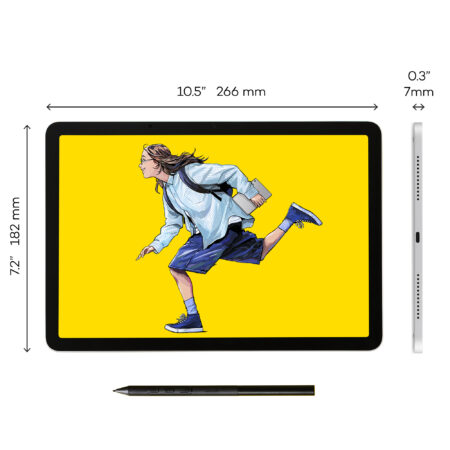
- Active Area: 302 x 189 mm (11.9 x 7.4 in)
- Aspect Ratio: 16:10
- Colour Gamut: sRGB 100% and DCI-P3 100% (CIE 1931, typ)
- Display Colours: 1.074 billion (10-bit x RGB = 30-bit)
- Contrast Ratio: 100,000:1 (typ)
- Brightness: 400 cd/m2 (typ), peak 900 cd/m2
- Refresh Rate: 60/120 Hz
- Viewing Angle: 170 degrees (85/85 H, 85/85 V, typ)
- Surface: Wacom Premium Textured Glass (AR + AF + AG), direct bonded
- Touch: Projected capacitive, 10 fingers
- Pen: Wacom Pro Pen 3, plus compatible third-party pens
- Pen Pressure Levels: 8192
- Pen Tilt: 60 degrees
- Pen Resolution: 5080 lpi
- Processor: Snapdragon 8s Gen3
- Memory: 12 GB
- Storage: 256 GB, plus microSD card slot
- Operating System: Android 15
- Ports: 1x USB Type-C (USB 2.0)
- Battery: Lithium-ion, 10,000 mAh (typ), up to 10.5 hours
- Product Dimensions: 323.3 x 210 x 5.9 mm (12.7 x 8.3 x 0.23 in)
- Product Weight: 699 g (1.6 lb)
- Product Colour: Light Gray
- Warranty: 2 years
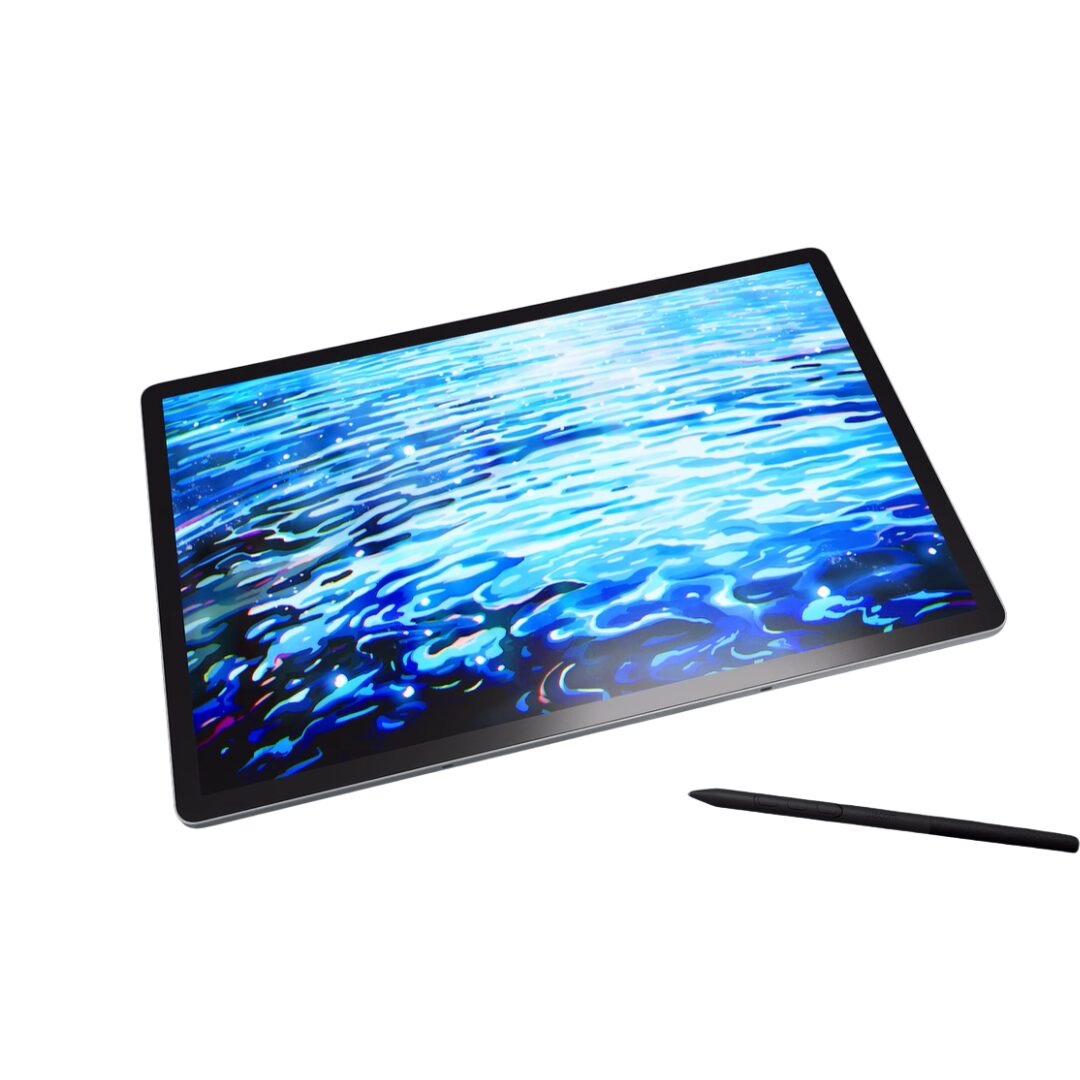
The Wacom MovinkPad Pro 14 is the most capable standalone device Wacom makes. A 14-inch OLED panel covering 100% DCI-P3 with a 100,000:1 contrast ratio, Wacom Pro Pen 3, and Snapdragon 8s Gen3 silicon with 12 GB of memory – all in a 5.9 mm body weighing 699 g.
OLED is what separates it from the MovinkPad 11. True blacks, a 100,000:1 contrast ratio and 900 cd/m2 peak brightness make it genuinely usable for colour-critical work away from a studio, which no LCD portable can claim.
It runs Android 15 with 256 GB of storage and a microSD slot, a 10,000 mAh battery good for up to 10.5 hours, and a 120 Hz refresh option that makes the pen feel immediate.
What is included with the Wacom MovinkPad Pro 14
The MovinkPad Pro 14 is ready to work on as soon as it is charged.
- Wacom MovinkPad Pro 14
- Wacom Pro Pen 3
- Replacement nibs and nib remover
- USB-C cable and power adapter
- Quick Start Guide
- Warranty documentation
Designed for Professional Work Away From the Studio
- A 14-inch OLED panel covering 100% sRGB and 100% DCI-P3, with 10-bit colour across 1.074 billion colours – specification you would normally only find on a desk.
- A 100,000:1 contrast ratio and 900 cd/m2 peak brightness, so shadow detail survives and the screen stays usable outdoors.
- Wacom Premium Textured Glass with anti-reflection, anti-fingerprint and anti-glare coatings, direct bonded to the panel.
- At 5.9 mm and 699 g it is thinner and lighter than most laptops while doing more of the job.
Draw Naturally with Wacom Pro Pen 3
- Wacom Pro Pen 3 with 8,192 pressure levels, 60-degree tilt and 5080 lpi resolution.
- Compatible third-party pens are supported if you prefer a different grip.
- The textured glass surface gives a paper-like resistance rather than the slick feel of a phone screen.
- Cordless and battery-free – the pen never needs charging.
Work Faster with Multi-Touch
Ten-finger projected capacitive touch handles panning, zooming and rotating, and drives Android itself.
The 120 Hz refresh option makes both touch and pen noticeably more responsive than a 60 Hz panel, which matters most on long strokes.
Comfortable for Long Creative Sessions
A 10,000 mAh battery rated for up to 10.5 hours covers a working day away from power.
OLED also draws less power on dark interfaces, which most creative applications default to, so real-world runtime tends to hold up well.
Frequently Asked Questions
What is the Wacom MovinkPad Pro 14?
A standalone Android 15 drawing tablet with a 14-inch OLED screen at 2880 x 1800, 100% DCI-P3 colour coverage, Wacom Pro Pen 3, Snapdragon 8s Gen3, 12 GB memory and 256 GB storage.
Does the MovinkPad Pro 14 need a computer?
No. It runs Android 15 and your creative apps on the device itself, unlike every pen display in the Wacom range.
What is the difference between MovinkPad Pro 14 and MovinkPad 11?
The Pro 14 has an OLED screen with 100% DCI-P3 and a 100,000:1 contrast ratio against the 11's IPS panel at sRGB 99%, plus a faster processor, more memory and storage, a 120 Hz option and a larger battery. The 11 is smaller, lighter and cheaper.
Is the colour good enough for professional work?
On specification, yes – 100% DCI-P3 with 10-bit depth is unusual in a portable device. As always, colour-critical delivery work should be checked against a calibrated reference.
What software can I run on it?
Android creative applications. These are mobile editions rather than full desktop software, so if your workflow depends on desktop Photoshop or a full 3D suite, a pen display connected to a workstation remains the right tool.
How long does the battery last?
The 10,000 mAh battery is rated for up to 10.5 hours of continuous operation, though real figures depend on brightness and what you are running.
How much does the Wacom MovinkPad Pro 14 cost in the UAE?
Pricing moves with stock and quantity. Request a quote for current UAE pricing, delivery and warranty terms.
Does the pen need charging or batteries?
No. Wacom Pro Pen 3 is cordless and battery-free, powered by the pad itself through electromagnetic resonance.
Do you supply and support this in the UAE?
Yes. We are an Authorized Wacom Solution Provider based in Dubai, supplying genuine stock with manufacturer warranty and handling setup and support ourselves.
Need this configured for your workflow?
Tell us what you sign, how often, and which system it lives in. We will specify the hardware, software and integration — with UAE pricing.